Free video backgrounds for slides
Loops in this collection

Blue light rays and drifting particles
HD, 30 s loop
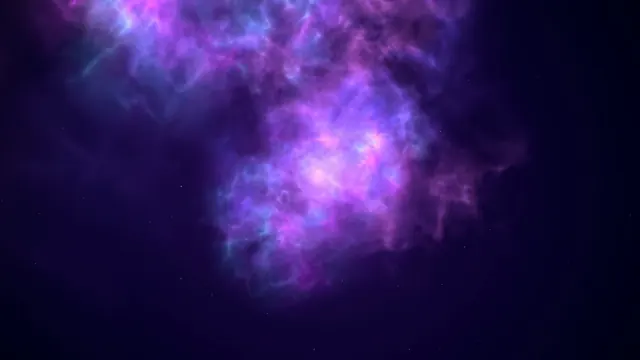
Swirling purple and blue nebula
HD, 30 s loop
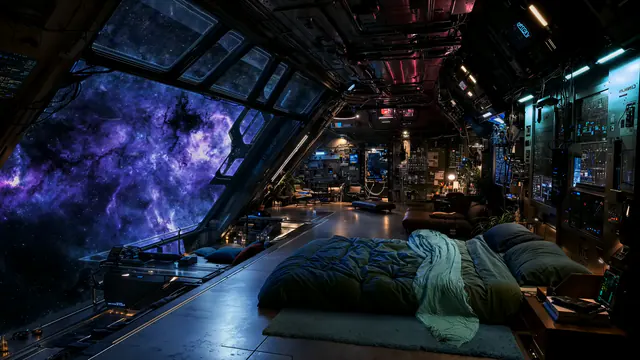
Space station bedroom and purple nebula
HD, 30 s loop
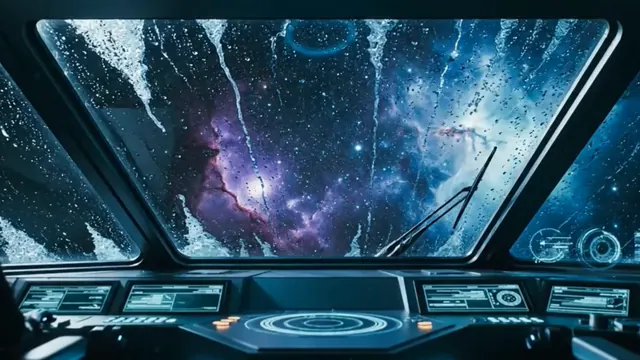
Spacecraft window and a blue nebula
HD, 30 s loop

Soft pink and yellow gradient
HD, 30 s loop

Purple and blue nebula
HD, 30 s loop
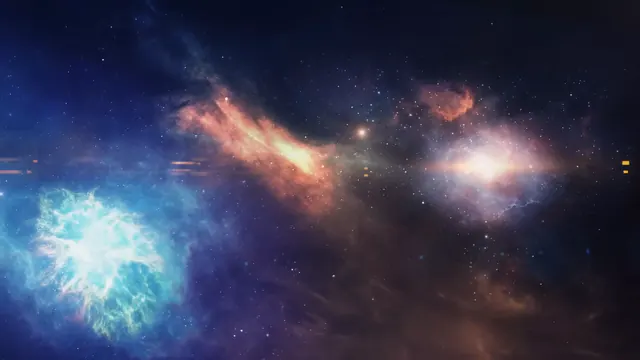
Blue and purple space clouds
HD, 30 s loop
Pink and green geometric pattern
HD, 30 s loop
Blue and purple space nebula
HD, 30 s loop
Colorful nebula in space
HD, 30 s loop

Radiating purple pixels
HD, 8 s loop
Color changing pastel spheres
HD, 14 s loop
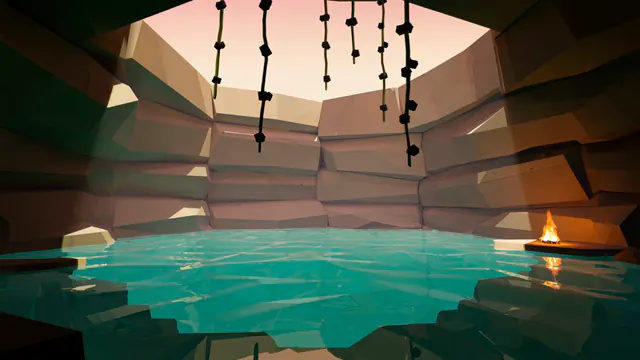
Geometric cave pool
HD, 10 s loop
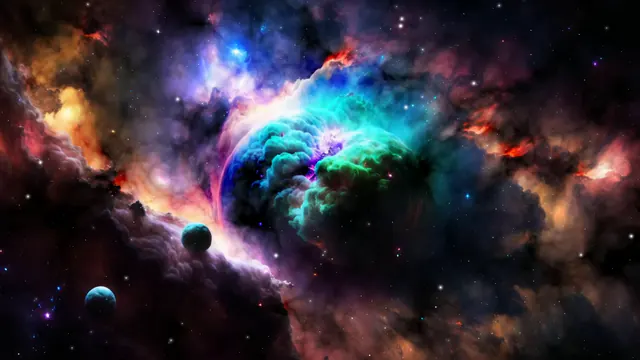
Colourful space nebula
HD, 30 s loop

Blue and pink smoke in motion
HD, 30 s loop
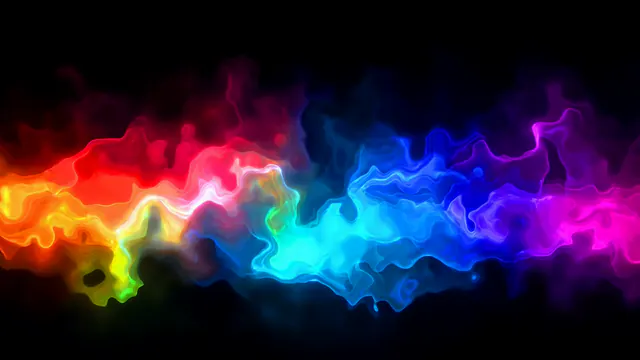
Rainbow smoke on a dark background
HD, 30 s loop
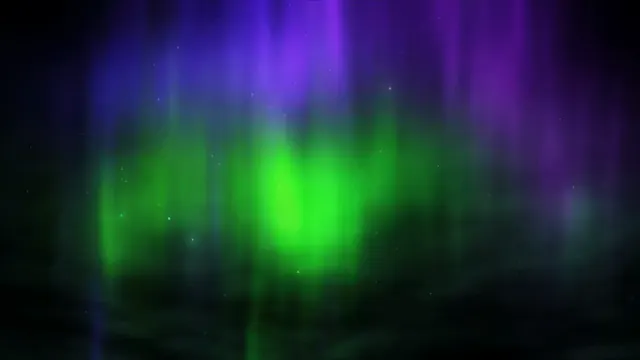
Green and purple light curtains
HD, 30 s loop
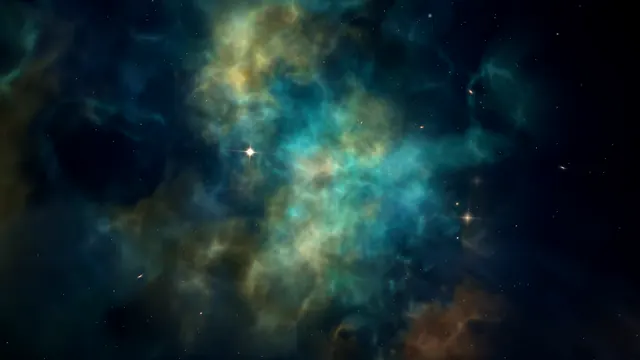
Glowing teal and gold nebula cloud
HD, 30 s loop
About these loops
Slow abstract loops that keep slide text easy to read in PowerPoint and Google Slides.
In PowerPoint, insert the MP4 on the slide, send it to the back, and set it to start automatically and loop until stopped. In Google Slides, upload the file to Drive, insert it, and turn on loop.
We chose slow abstract scenes, so white or dark text stays readable on top.
Questions
How do I loop a video background in PowerPoint?
Insert the video, then on the Playback tab choose Start automatically and tick Loop until stopped. Send the video to the back so your text sits on top.
Do they work in Google Slides?
Yes. Upload the MP4 to Google Drive, insert it into the slide, and turn on loop in the video options.
Are these loops free?
Yes. Every loop is a free HD download after a quick Google sign-in.
Can I use them in a work or client presentation?
Yes. InfinityLooper loops cover personal, commercial and client work, including presentations.