Free animated Zoom backgrounds
Calm HD video loops for Zoom, Teams and Google Meet calls.
Loops
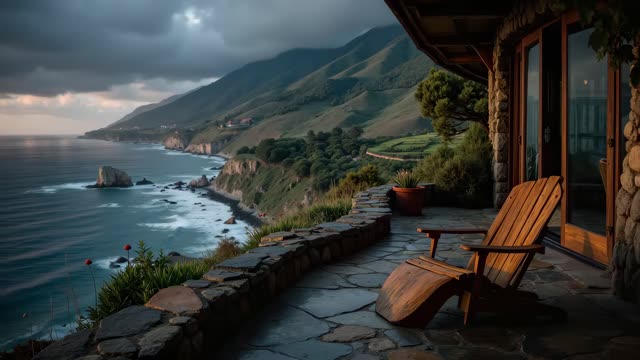
Coastal cliff porch ocean loop for Zoom calls
1080p Full HD, 41 s loop
Free HD download with Google sign-in.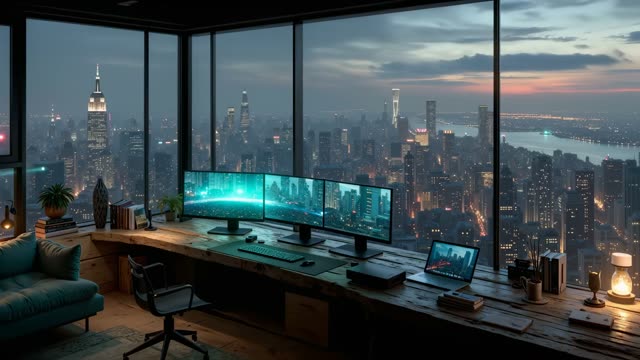
Night city skyline desk setup loop
1080p Full HD, 51 s loop
Free HD download with Google sign-in.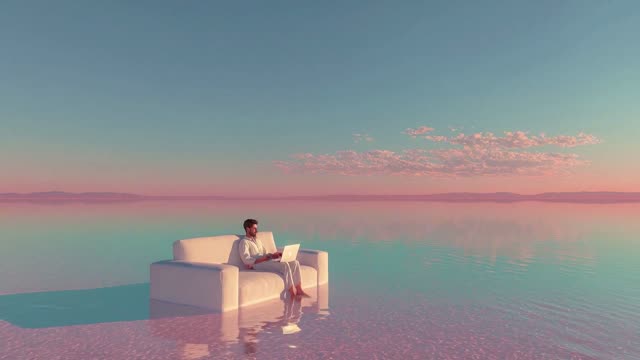
Pastel lake sofa scene motion background
1080p Full HD, 24 s loop
Free HD download with Google sign-in.
Winter fox by the fireplace loop for work from home
4K UHD, 10 s loop
Free HD download with Google sign-in.
Ethereal cyberpunk purple loop background for streamers
1080p Full HD, 24 s loop
Free HD download with Google sign-in.
Black cat by the window animated background for streaming
1080p Full HD, 20 s loop
Free HD download with Google sign-in.
Cosy bedroom mountain sunset animated background
720p HD, 2 min loop
Free HD download with Google sign-in.
Rainy seaside cafe animated background
1080p Full HD, 55 s loop
Free HD download with Google sign-in.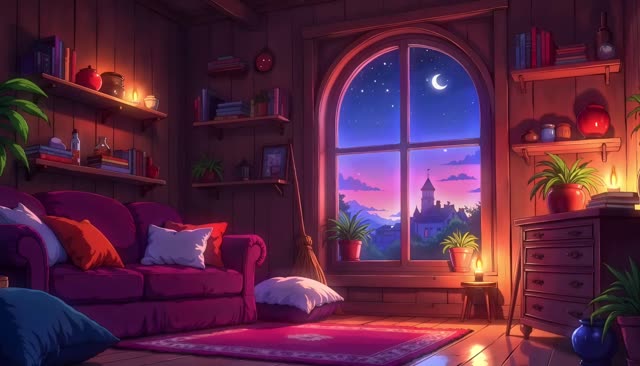
Moonlit anime bedroom animated background
1080p Full HD, 1 min 36 s loop
Free HD download with Google sign-in.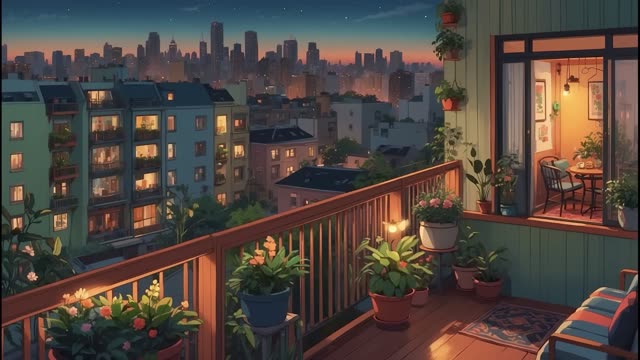
Dusk city balcony animated background
1080p Full HD, 4 min 10 s loop
Free HD download with Google sign-in.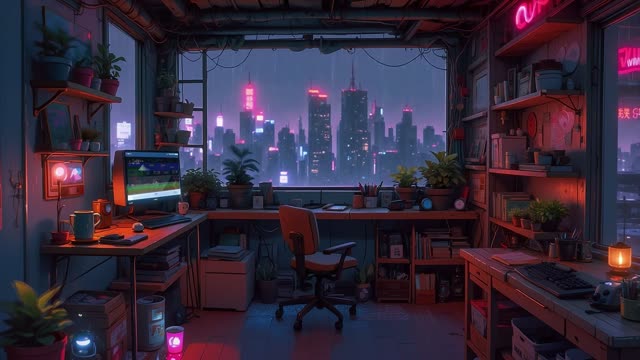
Cyberpunk night city office background
4K UHD, 2 min 7 s loop
Free HD download with Google sign-in.
Cosy balcony city view loop at dusk
1080p Full HD, 2 min 30 s loop
Free HD download with Google sign-in.
Questions
About animated zoom backgrounds
- Are these Zoom backgrounds free?
- Yes. Every loop is a free HD download after a quick Google sign-in.
- How do I set a video background in Zoom?
- In Zoom, open Settings, then Backgrounds and effects, click the plus button, choose Add video and pick the MP4. Our Zoom guide covers Teams and Meet too.
- Can I use them for work calls?
- Yes. The licence covers personal, commercial and client work. Do not resell or redistribute the raw files.
- Will a busy background distract people?
- We picked slow, calm loops for this page so the movement stays in the background behind you.