Video backgrounds to start with
A curated selection for OBS, desktop wallpapers and TV ambience, with a practical starting point for each.
Set up a background in OBS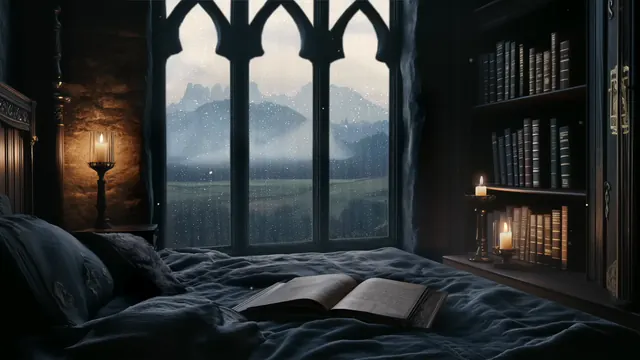
Free loops in this collection
Rainy dark academia window
HD, 2 min 43 s loop
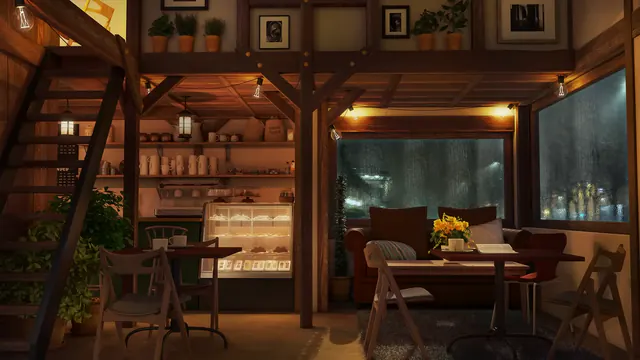
Rainy cafe interior
HD, 1 min loop
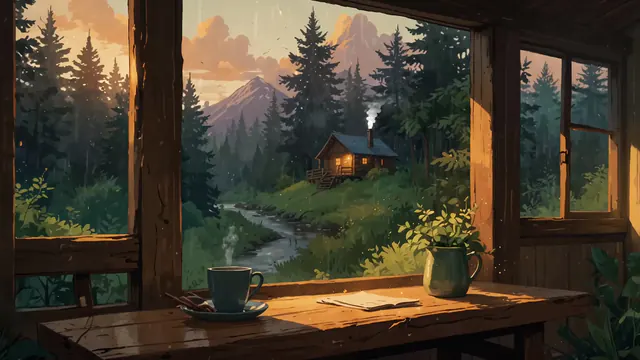
Rainy forest cabin window
4K, 34 s loop
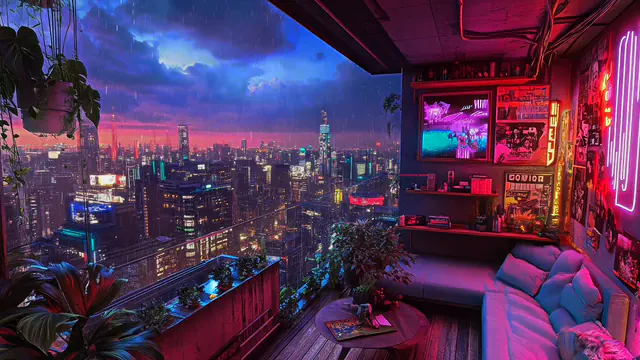
Rainy neon city balcony
HD, 41 s loop
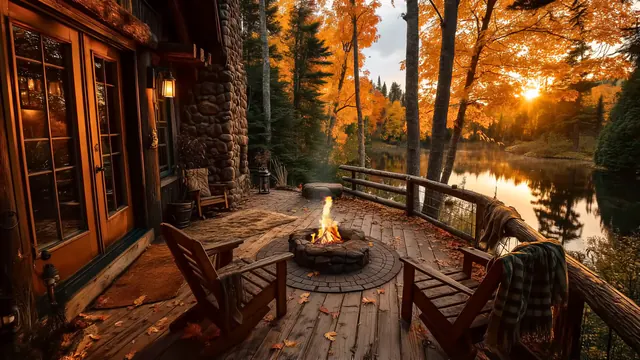
Autumn lake cabin porch
HD, 13 s loop
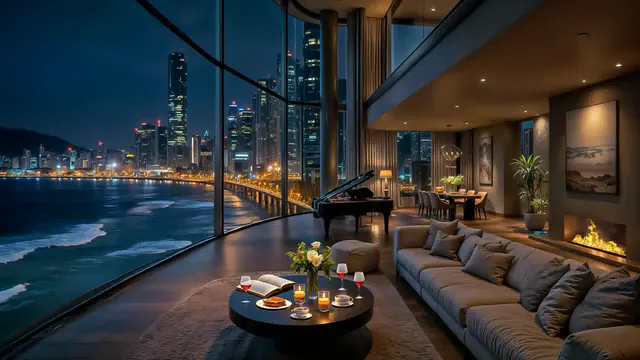
Moonlit bay penthouse
HD, 4 min 56 s loop
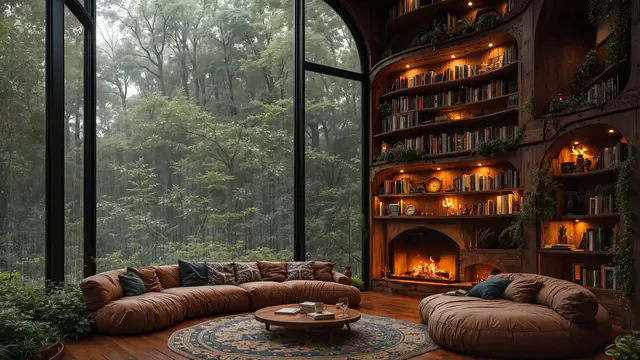
Misty forest library fireplace
HD, 30 s loop
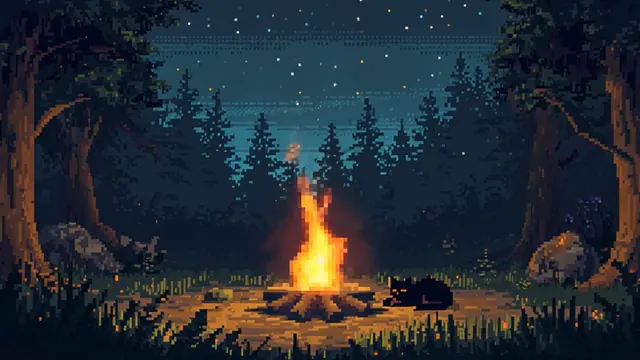
Pixel campfire forest night
HD, 1 min loop

Candlelit reading nook
HD, 15 s loop

Sunset city reading nook
HD, 1 min loop
About these loops
Pick a scene for the screen you actually use. Rainy windows suit desktop and study setups; fireplace rooms suit TV ambience; illustrated scenes can sit behind a VTuber model. Each card opens a video page with a preview, file details and a download action.
For OBS, start with a landscape clip that fits your canvas, add it as a Media Source and tick Loop. For a Windows desktop, import the MP4 into Lively Wallpaper or Wallpaper Engine. For a TV, use a compatible media player with repeat enabled.
This is a selection of individual downloads, not a ZIP pack or an imported OBS scene. Previewing is public. Sign in with Google when you choose a file. The Audio, resolution and loop-point rows describe that particular download.
Questions
Where should I start?
Open a scene that matches your use: a rain window for a desktop, a wide room for a camera layout, or a fireplace for a TV. Compare the preview with the position of any text you want to place above it.
Does this collection download as one pack?
No. Open an individual scene to preview it and choose its download. Each video page lists the full file details and the applicable licence.
Can I share this collection?
Share the collection page link so people can preview the scenes and choose their own downloads. Check each video's licence before sharing raw files.