Free Wallpaper Engine video backgrounds
Smooth HD video loops to import into Wallpaper Engine as your own live wallpaper.
Loops
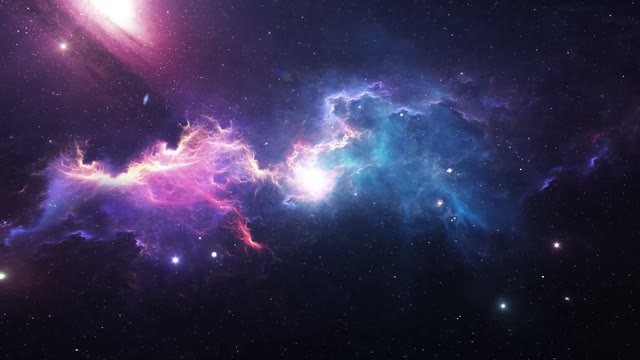
Purple nebula galaxy live wallpaper
1080p Full HD, 30 s loop
Free HD download with Google sign-in.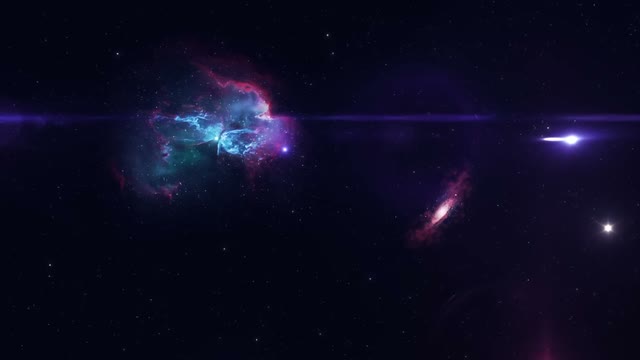
Small teal nebula in deep space wallpaper
1080p Full HD, 30 s loop
Free HD download with Google sign-in.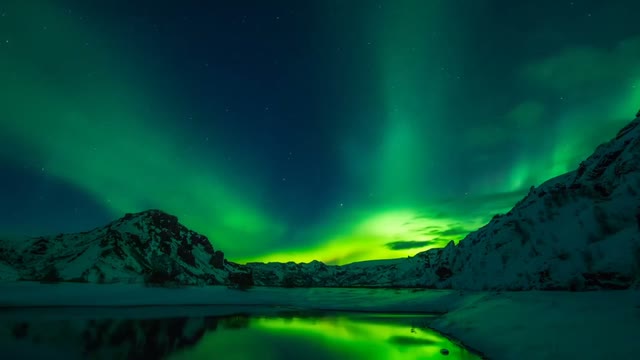
Green aurora over snowy mountains wallpaper
1080p Full HD, 30 s loop
Free HD download with Google sign-in.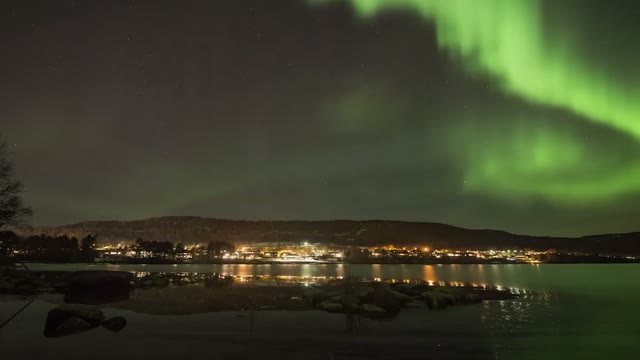
Aurora over lakeside town lights wallpaper
1080p Full HD, 30 s loop
Free HD download with Google sign-in.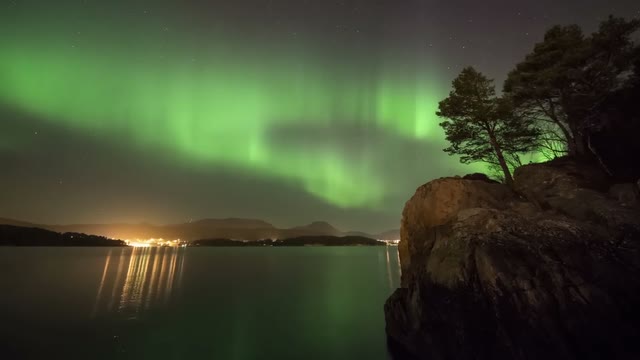
Green aurora over cliff and lake wallpaper
1080p Full HD, 30 s loop
Free HD download with Google sign-in.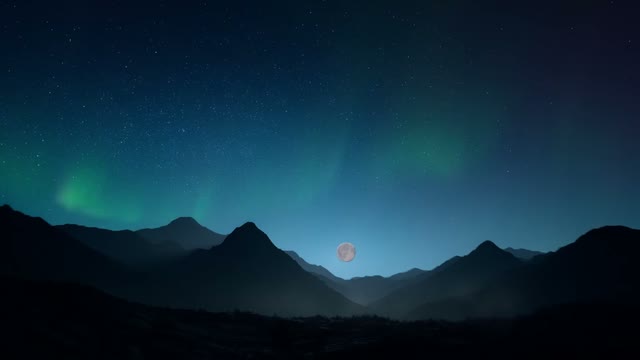
Blue aurora over mountain ridge wallpaper
1080p Full HD, 30 s loop
Free HD download with Google sign-in.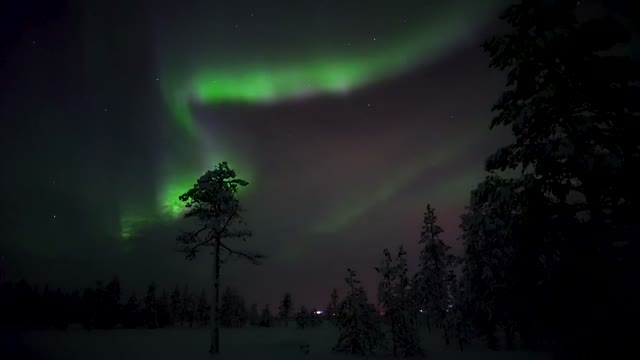
Green aurora behind pine forest wallpaper
1080p Full HD, 30 s loop
Free HD download with Google sign-in.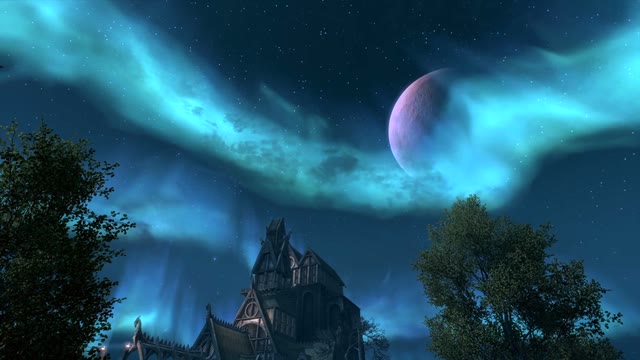
Aurora and planet over a village wallpaper
1080p Full HD, 30 s loop
Free HD download with Google sign-in.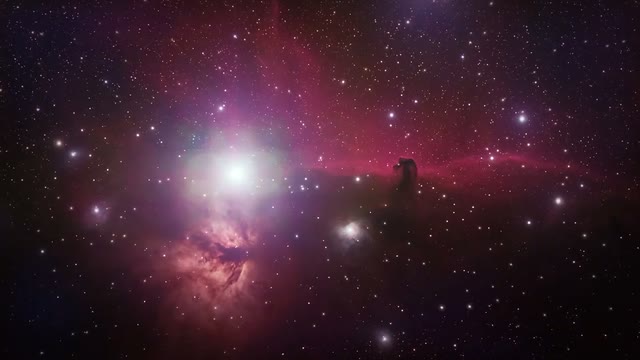
Pink nebula starfield live wallpaper
1080p Full HD, 30 s loop
Free HD download with Google sign-in.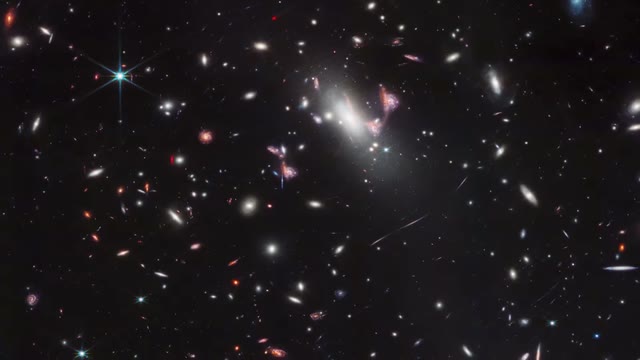
Black deep space galaxies live wallpaper
1080p Full HD, 30 s loop
Free HD download with Google sign-in.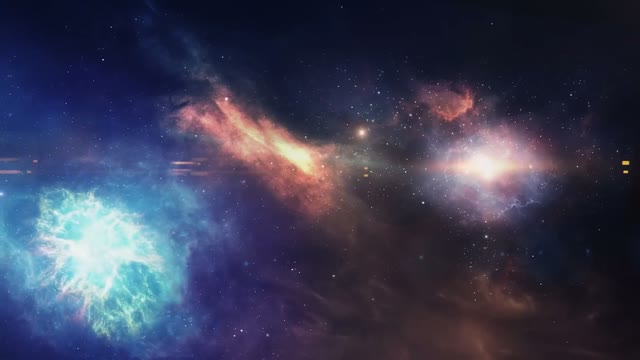
Blue and pink nebula clouds live wallpaper
1080p Full HD, 30 s loop
Free HD download with Google sign-in.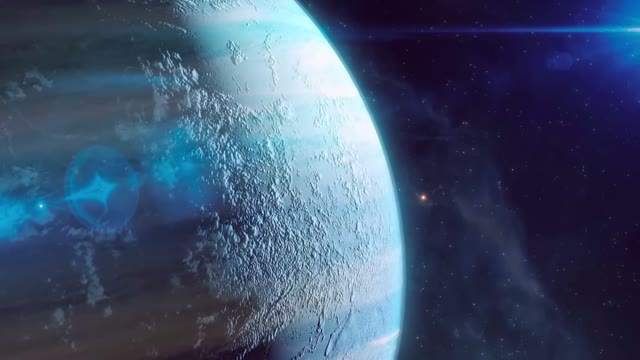
Blue planet rim from space live wallpaper
1080p Full HD, 30 s loop
Free HD download with Google sign-in.
About these loops
Step 1: download a loop below. Step 2: in Wallpaper Engine, click Create Wallpaper, then drag the MP4 into the editor. Step 3: give it a title, click Apply, and it plays on your desktop.
Wallpaper Engine plays a video on repeat, so a clip with a visible jump soon gets annoying. We chose loops whose first and last frames match, so they run smoothly for hours.
Questions
About wallpaper engine backgrounds
- Are these Wallpaper Engine backgrounds free?
- Yes. Every loop is a free HD download after a quick Google sign-in.
- How do I add an MP4 to Wallpaper Engine?
- Open Wallpaper Engine, choose Create Wallpaper, drag the MP4 into the editor window and click Apply. Our Wallpaper Engine guide has every step.
- Do they slow my PC down?
- Wallpaper Engine pauses video wallpapers when a game or full-screen app is open. A 1080p MP4 uses very little power on most graphics cards.
- Can I share them on the Steam Workshop?
- No. You can use them on your own desktop, but please do not upload the raw files to the Workshop or any other download site.