Free OBS starting soon and BRB screen loops
Silent HD loops to run before you go live, on breaks and at the end of a stream.
Loops
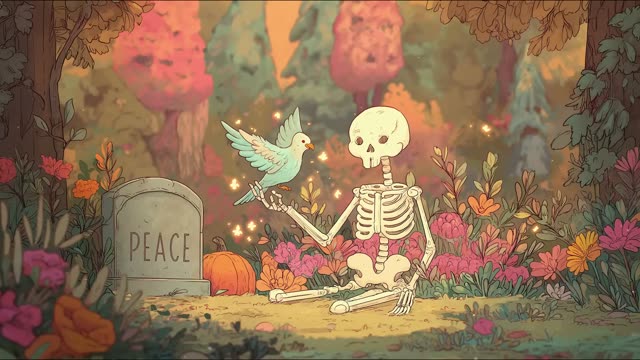
Cottagecore skeleton garden with songbird loop
1080p Full HD, 43 s loop
Free HD download with Google sign-in.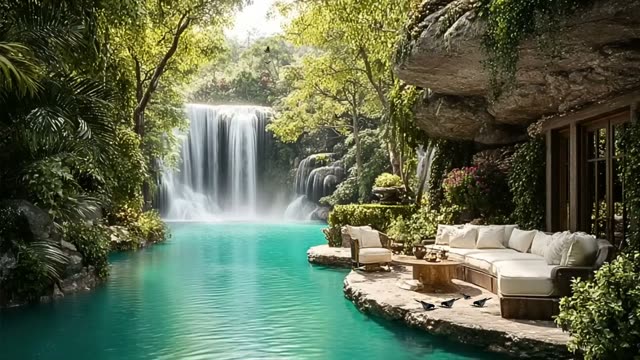
Cosy waterfall patio loop for live streams
1080p Full HD, 16 s loop
Free HD download with Google sign-in.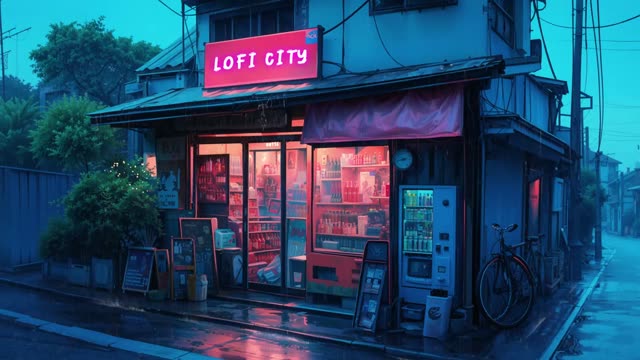
Neon city rainy street loop for lofi and streams
1080p Full HD, 16 s loop
Free HD download with Google sign-in.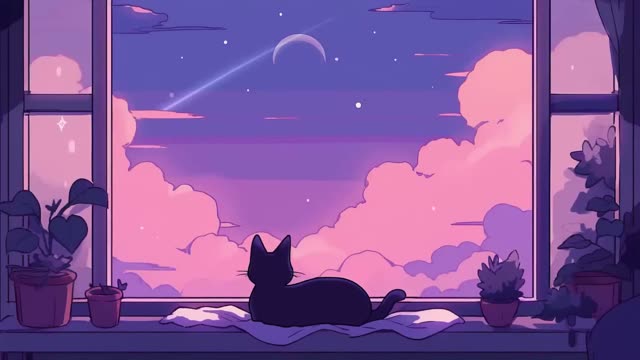
Cosy cat under a dreamy night sky loop for streams
1080p Full HD, 40 s loop
Free HD download with Google sign-in.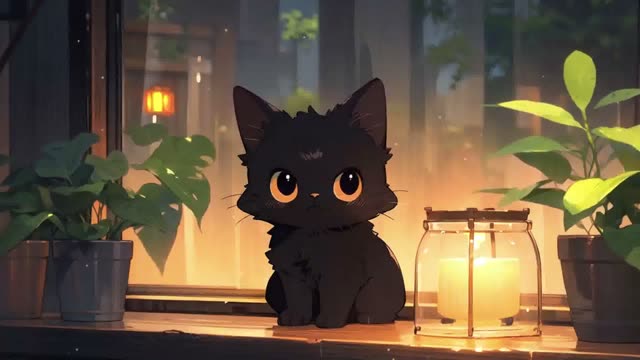
Black cat by the window animated background for streaming
1080p Full HD, 20 s loop
Free HD download with Google sign-in.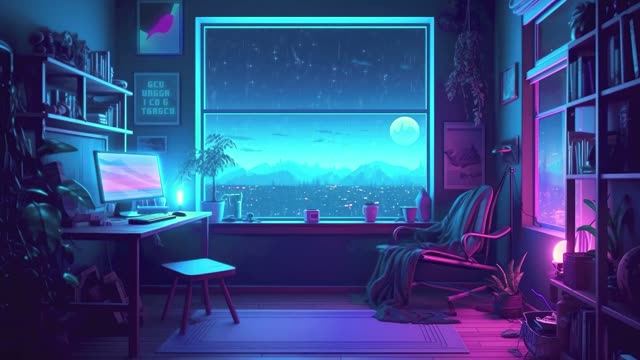
Cyberpunk rainy room loop for lofi streams
1080p Full HD, 2 min 30 s loop
Free HD download with Google sign-in.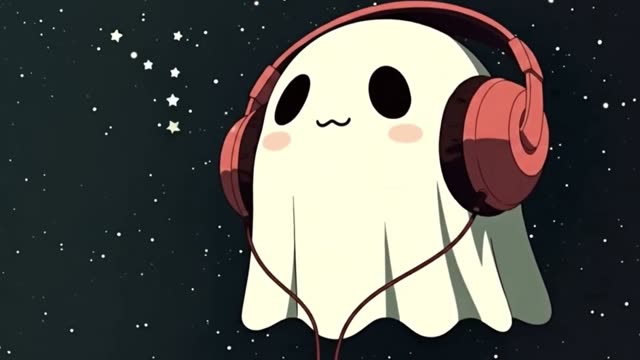
Cute ghost with headphones in starry space loop
1080p Full HD, 17 s loop
Free HD download with Google sign-in.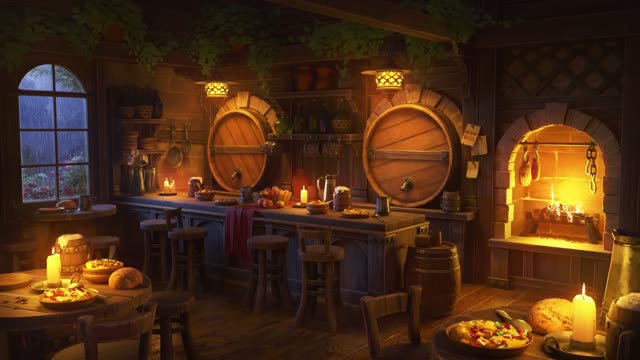
Rainy tavern fireplace loop for cosy streams
1080p Full HD, 49 s loop
Free HD download with Google sign-in.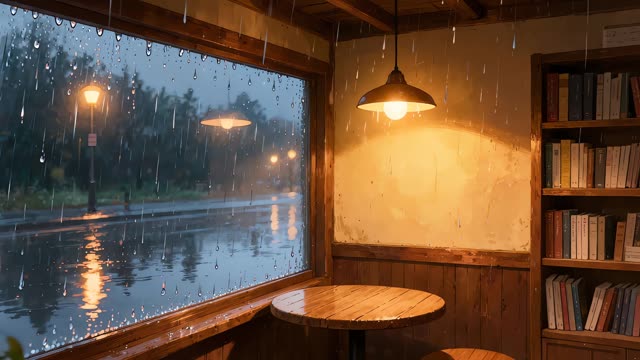
Rainy cafe window nook loop for streams and study
4K UHD, 5 s loop
Free HD download with Google sign-in.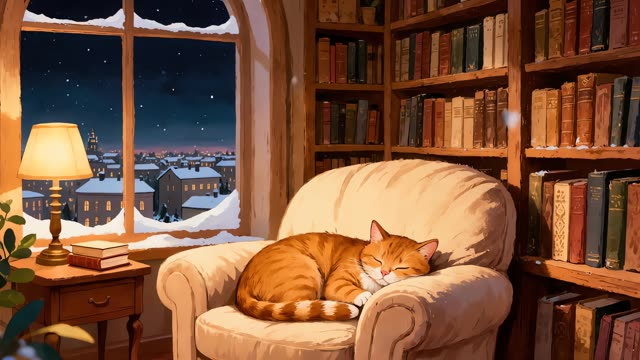
Cosy library snowy window loop for OBS
4K UHD, 10 s loop
Free HD download with Google sign-in.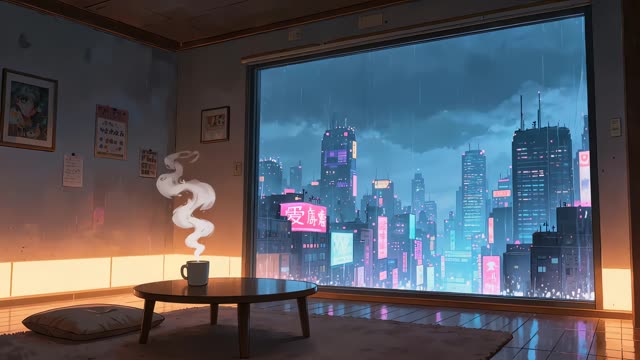
Rainy neon city window loop for OBS streaming
4K UHD, 10 s loop
Free HD download with Google sign-in.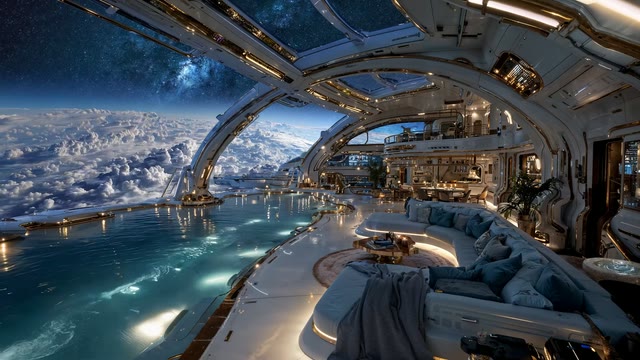
Blue space station window lounge stream loop
1080p Full HD, 30 s loop
Free HD download with Google sign-in.
About these loops
Step 1: download a loop below. Step 2: in OBS, add a scene called Starting soon, then add a Media Source and tick Loop. Step 3: put a Text source on top with your start time, and switch to this scene before you go live.
We picked calm scenes that look good behind a countdown or a short message. The same scene works as your BRB and ending screen, so your channel looks the same at every break.
Questions
About obs starting soon screens
- Are these starting soon screens free?
- Yes. Every loop is a free HD download after a quick Google sign-in.
- How do I add a starting soon screen in OBS?
- Create a new scene, add a Media Source, choose the MP4, tick Loop and drag it to the bottom of the source list. Add a Text source above it for your message or timer.
- Can I add my own text?
- Yes. The loops have no text on them, so you can add your own countdown, schedule or socials as OBS sources on top.
- Can I use them on a monetised Twitch or YouTube channel?
- Yes. The licence covers personal, commercial and client work. Credit is appreciated but not required. Do not resell or redistribute the raw files.