Free vertical video backgrounds for TikTok, Reels and Shorts
9:16 HD loops to use behind talking-head clips, quotes and green-screen edits.
Loops
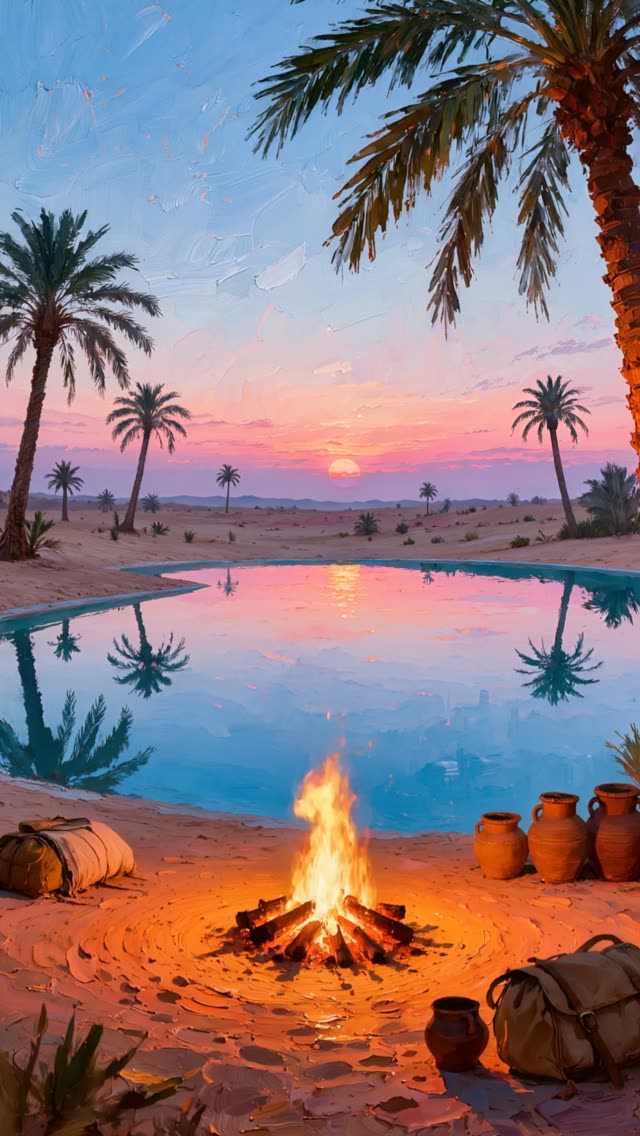
Desert oasis campfire sunset loop, vertical 1080p
1080p Full HD · Vertical, 10 s loop
Free HD download with Google sign-in.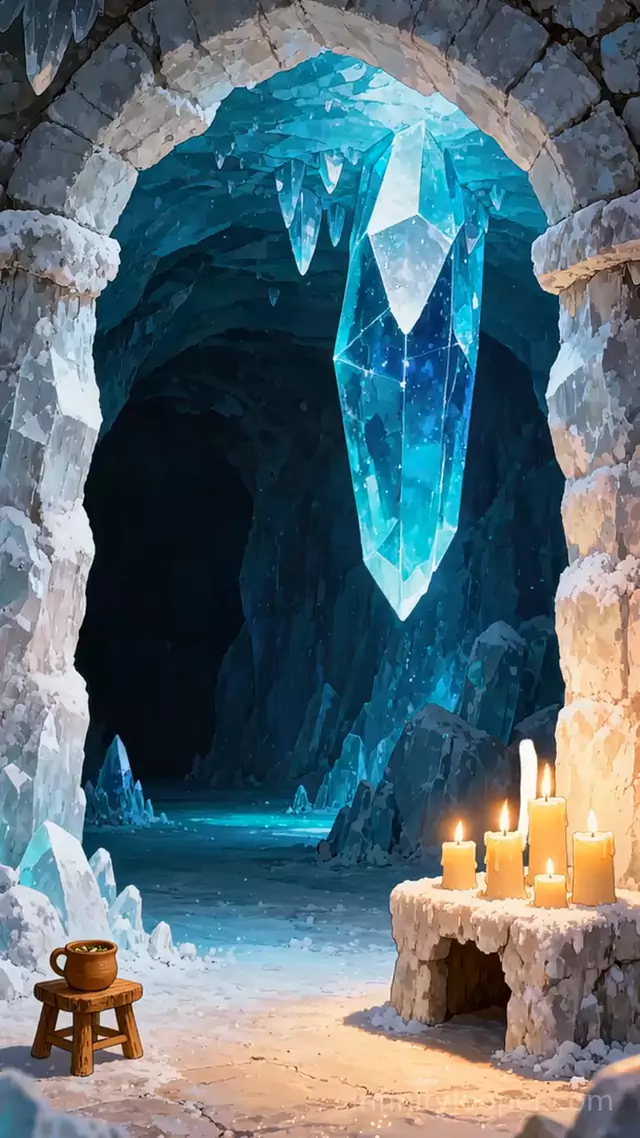
Vertical ice crystal cave with candlelight, animated loop
1080p Full HD · Vertical, 10 s loop
Free HD download with Google sign-in.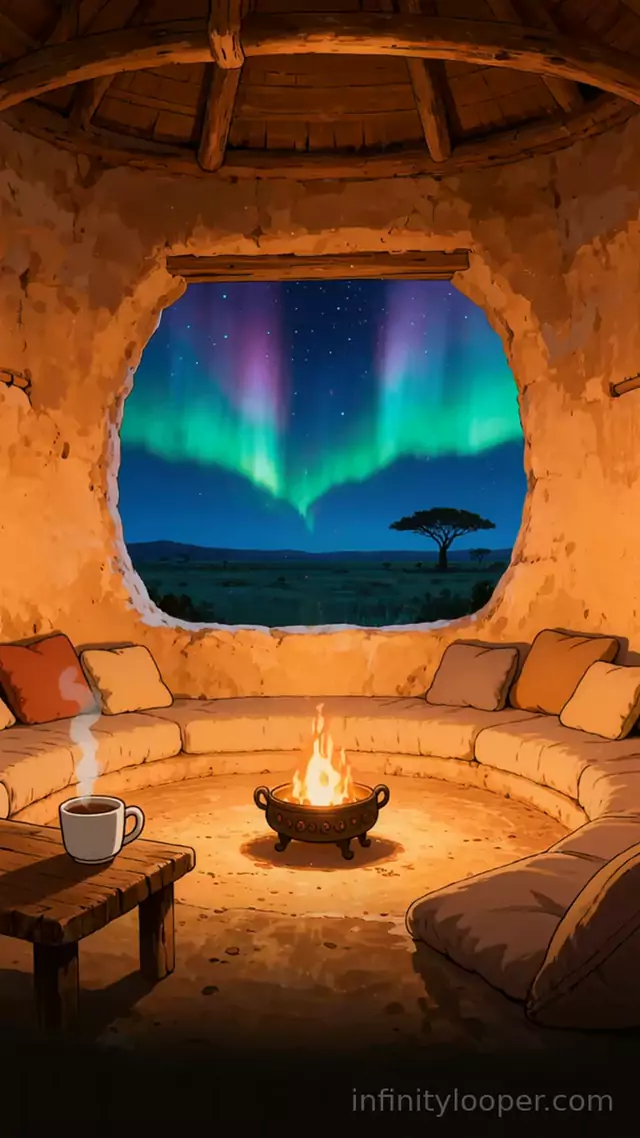
Clay hut fire pot under savanna northern lights, vertical loop
1080p Full HD · Vertical, 5 s loop
Free HD download with Google sign-in.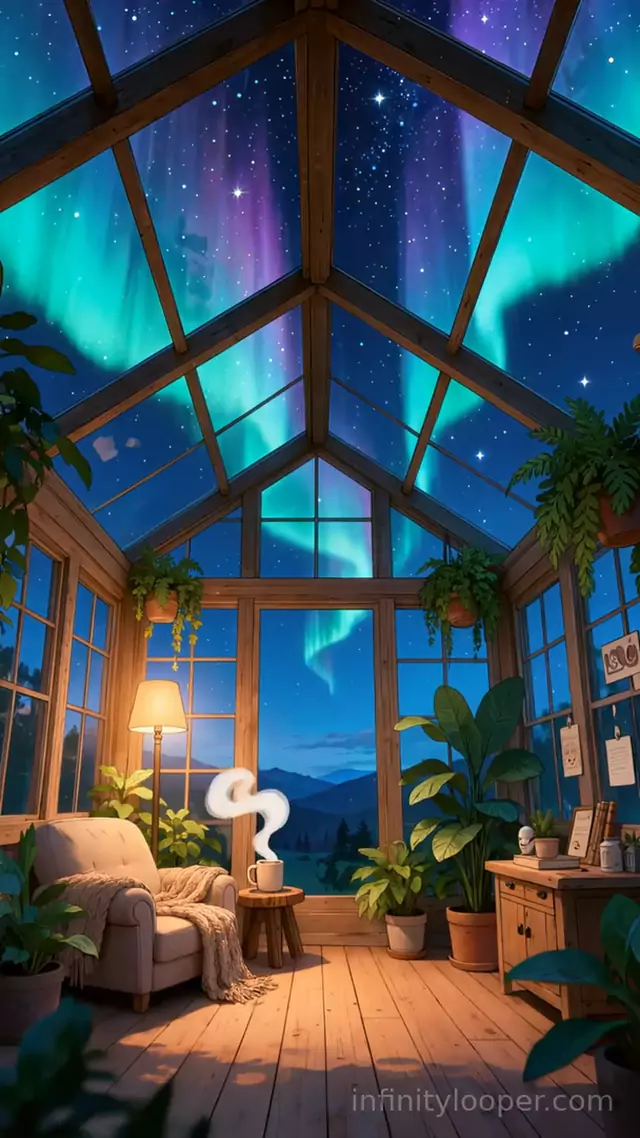
Aurora over a glass greenhouse reading nook, vertical background
1080p Full HD · Vertical, 10 s loop
Free HD download with Google sign-in.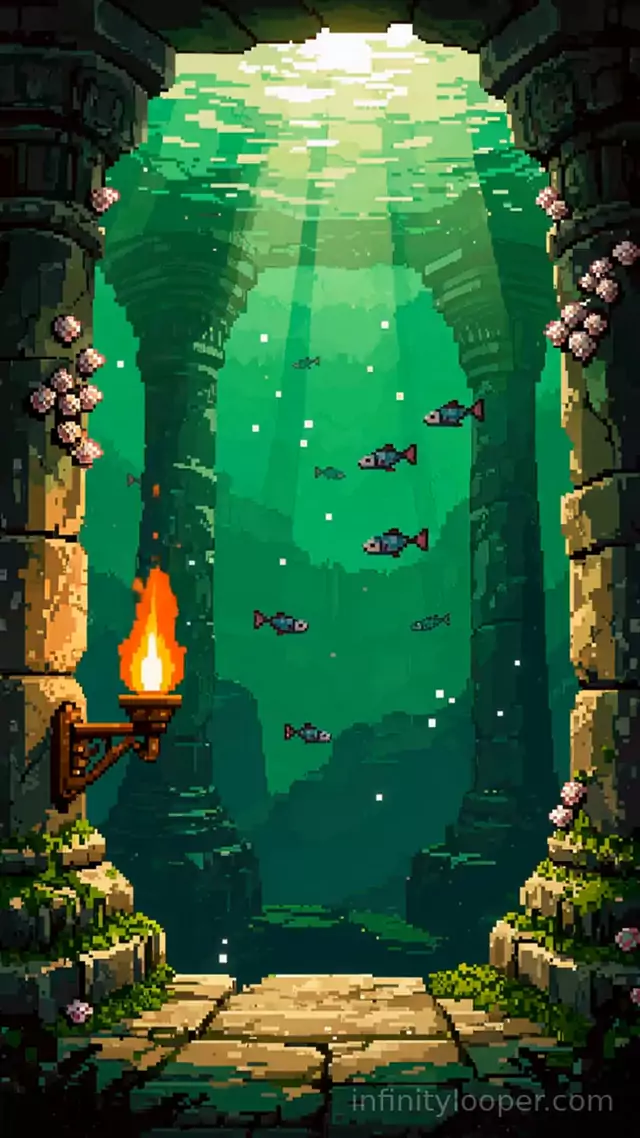
Pixel art sunken temple with a torch, vertical animated background
1080p Full HD · Vertical, 10 s loop
Free HD download with Google sign-in.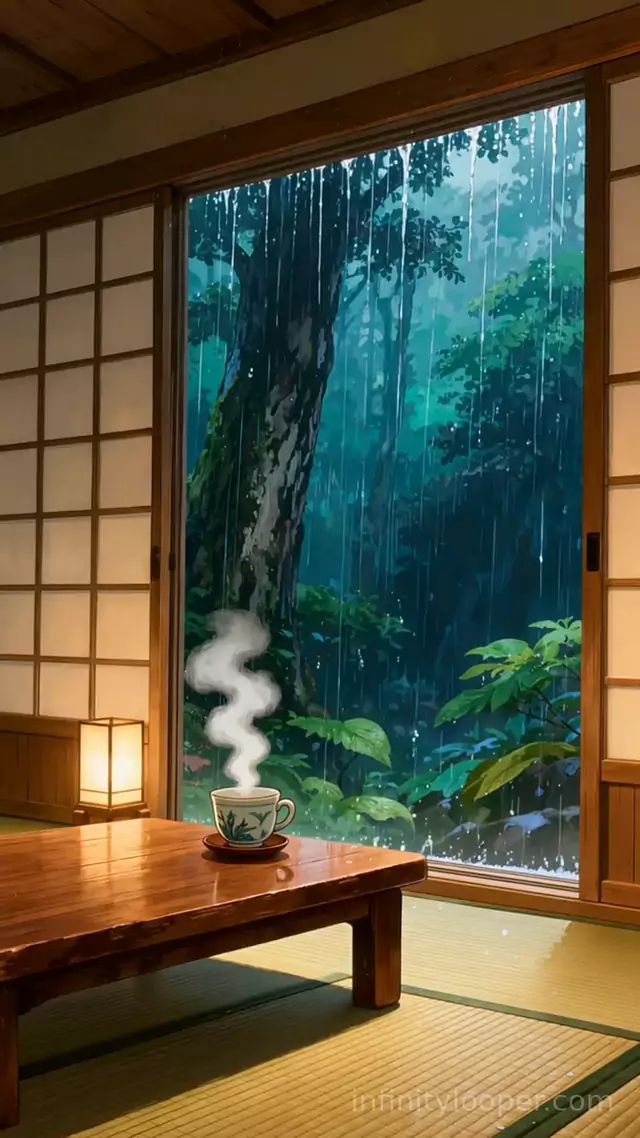
Rainy forest beyond an open shoji door, vertical animated background
1080p Full HD · Vertical, 10 s loop
Free HD download with Google sign-in.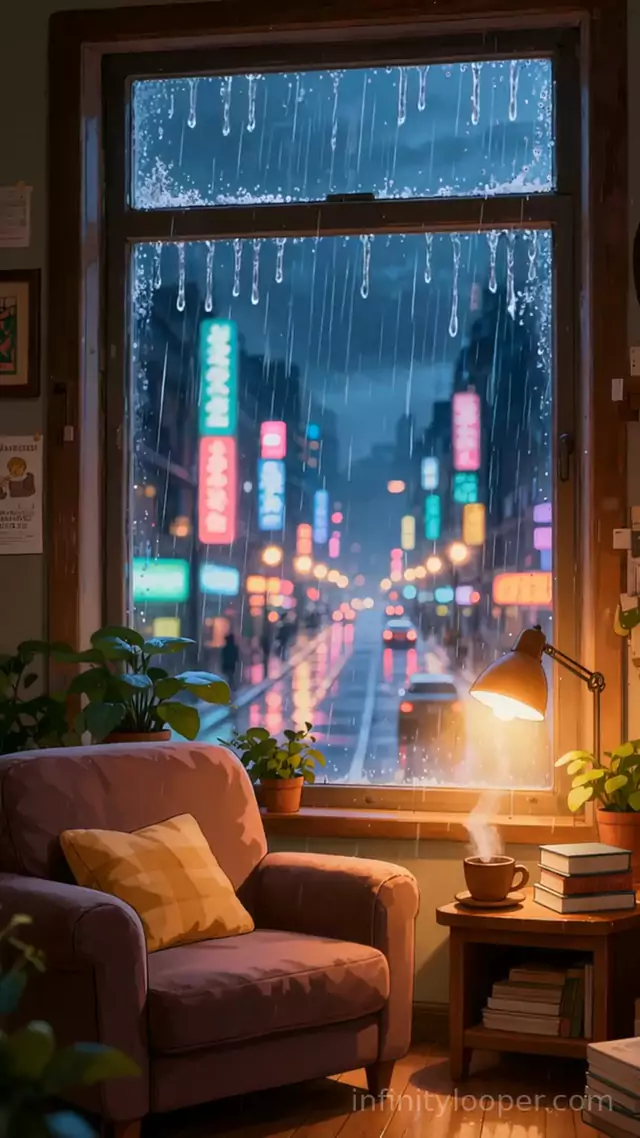
Rainy neon city street through a window, vertical animated background
1080p Full HD · Vertical, 10 s loop
Free HD download with Google sign-in.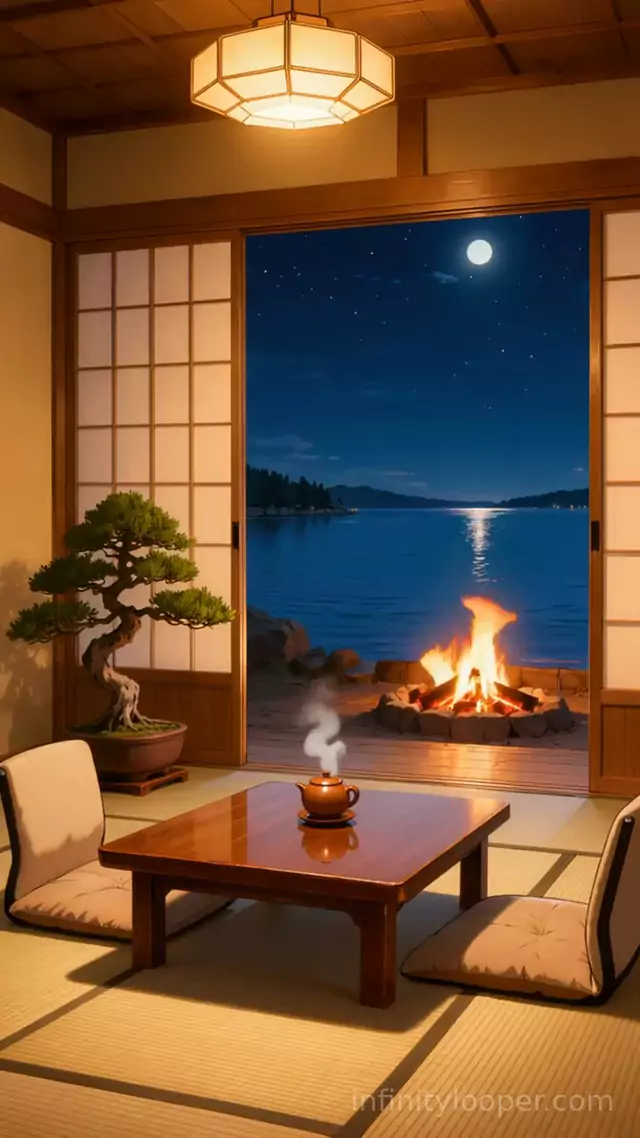
Tatami room facing a moonlit lakeside bonfire, vertical background
1080p Full HD · Vertical, 10 s loop
Free HD download with Google sign-in.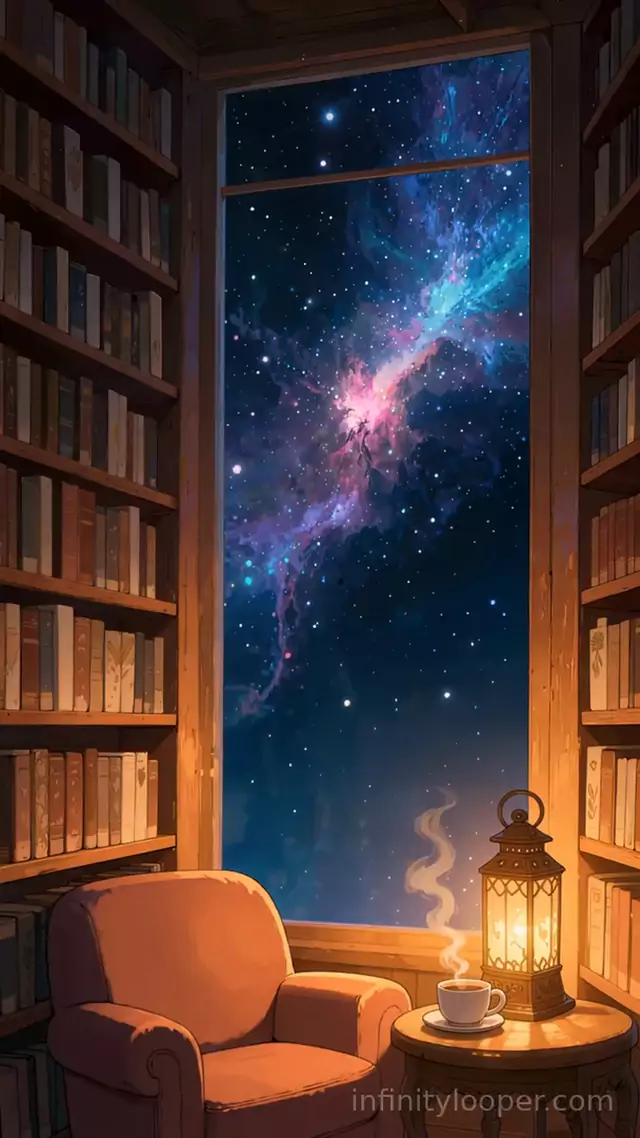
Library window onto a glowing nebula, vertical animated background
1080p Full HD · Vertical, 10 s loop
Free HD download with Google sign-in.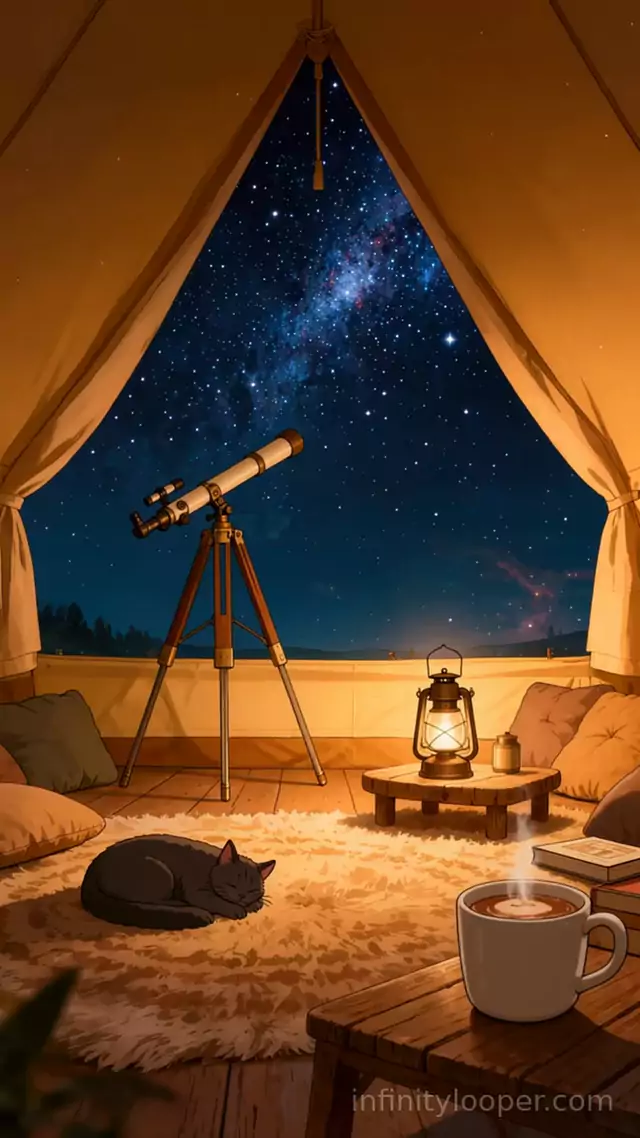
Stargazing tent with a telescope and sleeping cat, vertical background
1080p Full HD · Vertical, 10 s loop
Free HD download with Google sign-in.


About these loops
Step 1: download a vertical loop below. Step 2: in TikTok or CapCut, tap Effects, then Green screen, and pick the MP4 from your camera roll. Step 3: record over it, or lay your text and captions on top.
Each loop is made for a 9:16 screen and has no sound, so your voice or music track stays clear. Short clips loop on their own, which keeps a viewer watching for longer.
Questions
About tiktok video backgrounds
- Are these TikTok backgrounds free?
- Yes. Every loop is a free HD download after a quick Google sign-in.
- How do I use a video background on TikTok?
- Save the MP4 to your phone, open the TikTok camera, tap Effects, choose Green screen video and pick the file. In CapCut, add it as an overlay or as the main clip.
- What size are they?
- They are vertical 9:16 MP4 files, the shape TikTok, Reels and Shorts expect, so nothing gets cropped.
- Can I post them on a monetised account?
- Yes. You can post them on monetised TikTok, Instagram and YouTube accounts. Please do not share or resell the raw MP4 files.