Guide
How to make a meditation or sleep video with a looping background
Pick a slow, silent loop, repeat it in your editor to the length you need, add your own voice, music or nature sound, and export at the loop's own resolution. For classes, play the MP4 on repeat on a TV.
Updated
Choose the right loop
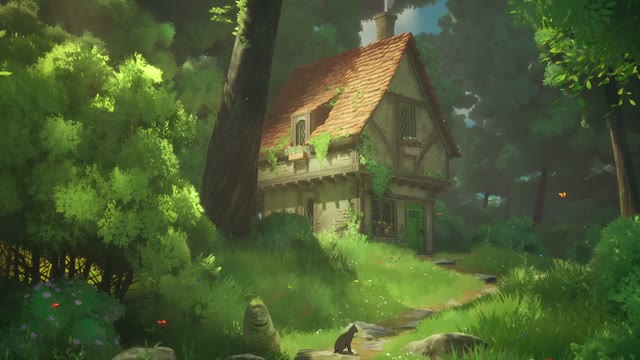
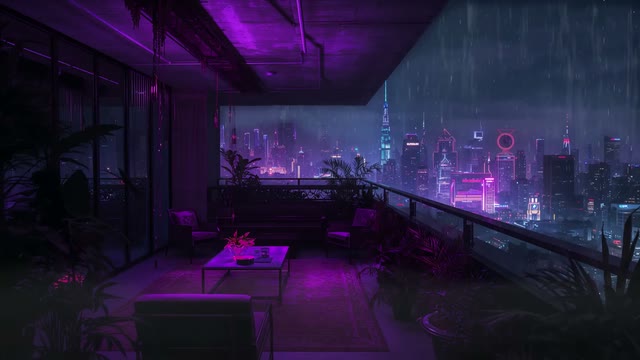
Meditation and sleep videos work best with movement that is slow and even: waves, auroras, a single candle, drifting clouds or rain on a window. Avoid scenes with sudden flashes or fast cuts. Our meditation backgrounds are picked with this in mind.
Make a long video from a short loop
- Download the loop. Each file loops cleanly, so the last frame flows into the first.
- In your editor (DaVinci Resolve, CapCut, Premiere Pro or iMovie), place the clip on the timeline.
- Copy and paste it end to end until you reach your target length, such as 1 hour or 10 hours. In DaVinci Resolve you can also set a long duration on a single clip with Retime and loop playback.
- Add your audio on a separate track: guided voice, music you have the rights to, or nature sound.
- Fade the audio in and out over the first and last 10 seconds.
- Export at the clip's own size (usually 1920 by 1080) with H.264 or H.265.
Play it in a yoga or meditation class
- Copy the MP4 to a USB stick and play it on your TV's media player with Repeat on.
- Or play it full screen from a laptop through a projector in VLC with Loop turned on.
- Keep the room lights low and the screen brightness soft so the scene settles the room.
Posting on YouTube
YouTube looks for original value in long ambience videos. Add your own sound design, a guided session or a clear purpose for the video. Our guide on making money from ambience videos explains the rules.
Frequently asked questions
Are the loops free for meditation videos?
Yes. Every loop is a free HD download after a quick Google sign-in, and the licence covers monetised YouTube videos and paid classes.
Do the loops have sound?
No. They are silent, so you can add your own voice, music or nature sound.
Do I need to credit InfinityLooper?
No. Credit is appreciated, for example a line in your video description, but it is not required.