Free looping video background sites compared (2026)
Updated
The short answer
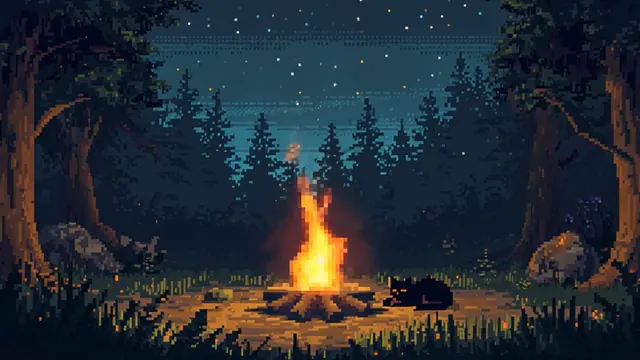
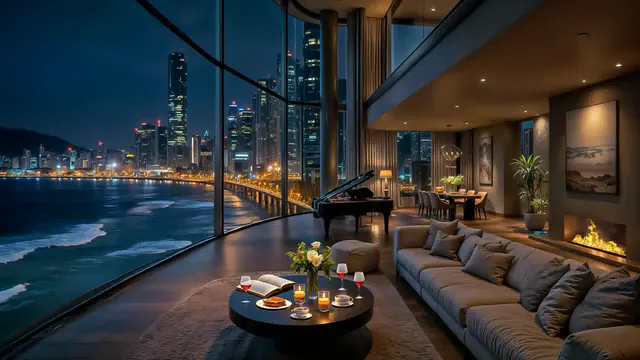
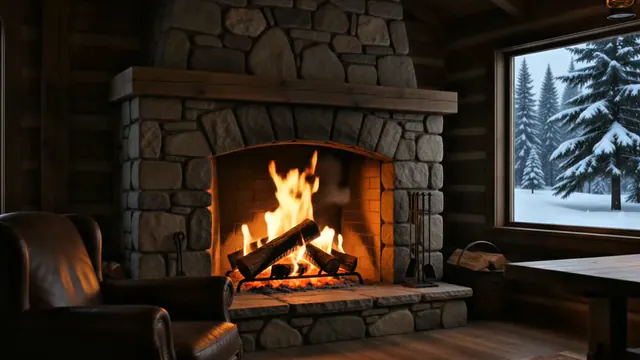
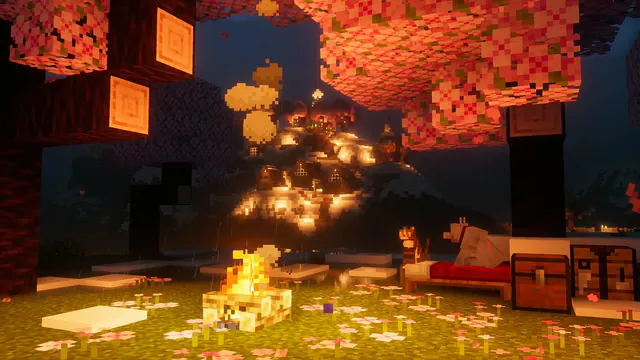
There are two kinds of site. Loop libraries make every file to repeat, so a stream, call or TV can play it for hours. Stock libraries have far more clips, but most are short shots that jump when they restart, so you search for "loop" and check each one.
- For OBS, Zoom, Teams, wallpapers and TV ambience: a loop library such as InfinityLooper.
- For editing a video with many different shots: a stock library such as Pixabay, Pexels or Mixkit.
- For abstract motion graphics and VJ visuals: Videezy, Vecteezy and Mixkit have large sets, with the licence set per clip.
How the sites compare
InfinityLooper
- What it is: a library of 2,000+ looping video backgrounds made to repeat, mostly 1080p with some 4K, landscape and vertical.
- Best for: stream scenes, video calls, desktop and phone wallpaper, TV ambience, church screens and study streams.
- Cost and sign-in: downloads cost nothing with a Google sign-in. Browsing and previews need no account.
- Licence: personal, client and monetised use, including YouTube videos and Twitch streams. Do not resell or share the raw files. See the licence.
- Extras: each loop page lists measured resolution, length and audio. There is a public API and an MCP server for AI assistants, covered in the developer guide.
Pixabay
- What it is: a large community stock library of photos, video, music and sound effects.
- Best for: general footage, nature shots and abstract clips to cut into an edit.
- Loops: a search for "loop" returns thousands of clips, but not every clip is made to repeat. Watch the restart before you use one.
- Licence: the Pixabay Content Licence. Read it for the limits on how clips can be used.
Pexels
- What it is: a large stock library of photos and video.
- Best for: modern lifestyle, city and nature footage.
- Loops: search "loop" in the video tab and check each result.
- Licence: the Pexels licence. Read it for the limits.
Mixkit
- What it is: a curated stock library of video, music and templates.
- Best for: website hero videos, abstract textures and a small set of Zoom backgrounds.
- Loops: a dedicated video backgrounds section, smaller than the big stock libraries.
- Licence: the Mixkit licence, which varies by item type.
Videezy and Vecteezy
- What they are: stock libraries with free and paid clips.
- Best for: 4K motion graphics, particles and VJ loops.
- Licence: free clips usually ask for a credit line to the creator. Check the licence shown on each clip.
How to pick a site for your use
- Decide where the video will play: a stream canvas, a call, a phone, a TV or an edit.
- If it will play on repeat for more than a minute, prefer files made to loop and watch the restart in the preview.
- Match the shape and size to your screen. Landscape 1080p suits most streams and calls; vertical suits phones and Shorts.
- Check the audio. A silent file is easier for calls and streams.
- Read the licence on the page you download from, and keep a note of where each file came from.
Set it up
- OBS Studio and Streamlabs
- Zoom video background
- Teams video background
- Wallpaper Engine
- A looping video on a smart TV
- Church and worship screens
The other sites change their libraries and licences from time to time. This page was checked on 27 November 2026.