Category
Animated backgrounds
An animated background is a short silent video made to play on repeat behind a stream overlay, desktop, video call or TV. On InfinityLooper you watch the full loop on its page, then unlock the MP4 with one sponsored offer (we earn a commission; ages 18+) or your email. No payment.
Each page lists specs measured from the master file: resolution, length, frame rate, size, and whether the first and last frames match so the repeat is invisible. None of the files has an audio track. Guides cover OBS, Wallpaper Engine, Zoom, Windows, Mac and phone setups.
90 loops; the 24 below are a good place to start. Each unlocks with one sponsored offer (we earn a commission) or your email.
Animated backgrounds loops
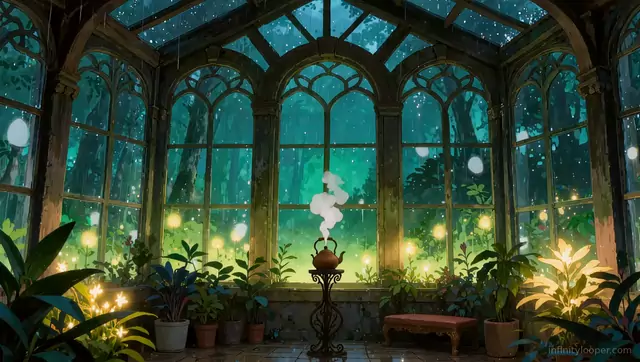
Rainy greenhouse with a steaming teapot, animated background
1080p Full HD · 5 s. Unlocks with one sponsored offer or your email.
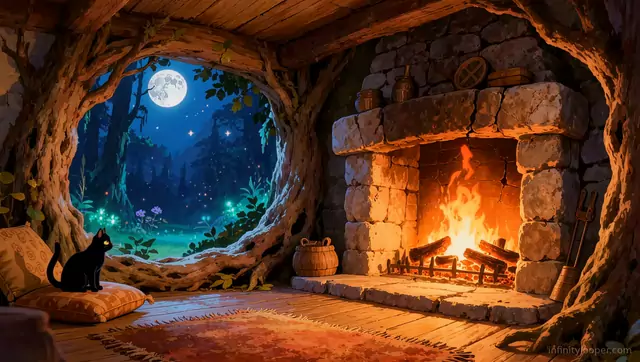
Black cat by a fireplace in a moonlit tree hollow, animated loop
1080p Full HD · 5 s. Unlocks with one sponsored offer or your email.
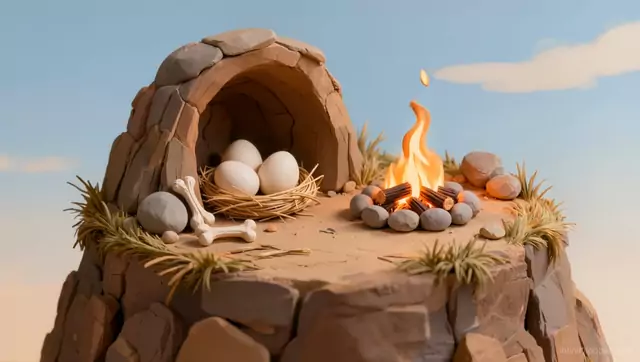
Clay cave with a nest of eggs and a campfire, animated background
1080p Full HD · 10 s. Unlocks with one sponsored offer or your email.
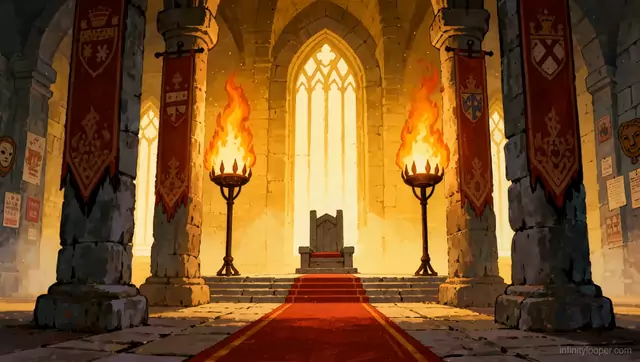
Castle throne room with burning braziers, looping background
1080p Full HD · 10 s. Unlocks with one sponsored offer or your email.
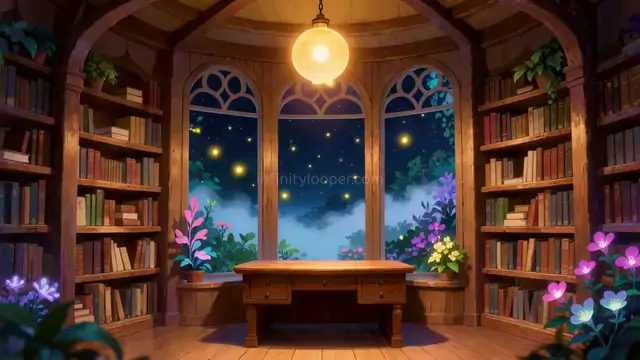
Round library with a starry window and fireflies, video background
1080p Full HD · 5 s. Unlocks with one sponsored offer or your email.
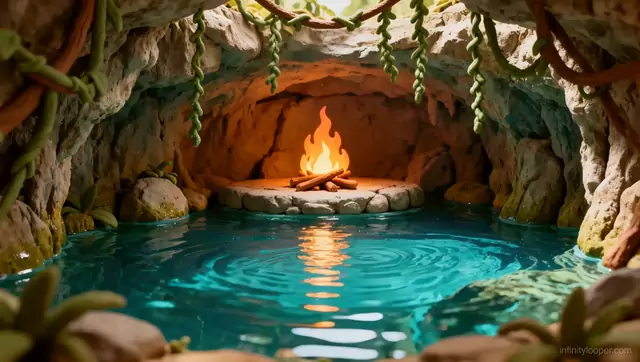
Cave campfire over a turquoise pool, animated stream background
1080p Full HD · 10 s. Unlocks with one sponsored offer or your email.
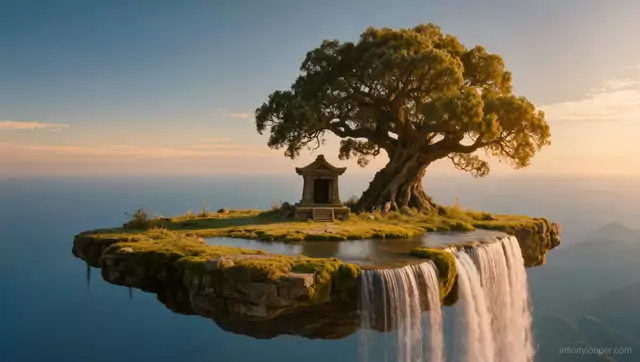
Floating island shrine with a waterfall at sunset, animated scene
1080p Full HD · 10 s. Unlocks with one sponsored offer or your email.
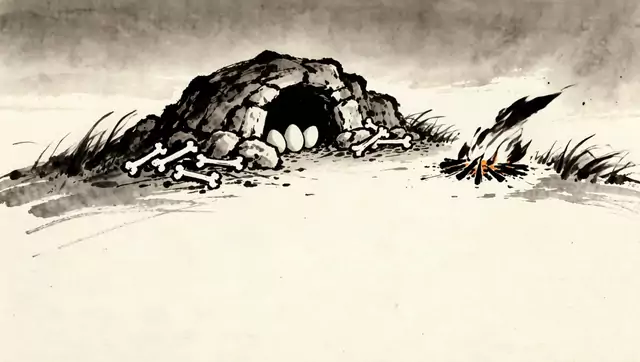
Ink wash dragon den with eggs and a campfire, animated background
1080p Full HD · 10 s. Unlocks with one sponsored offer or your email.
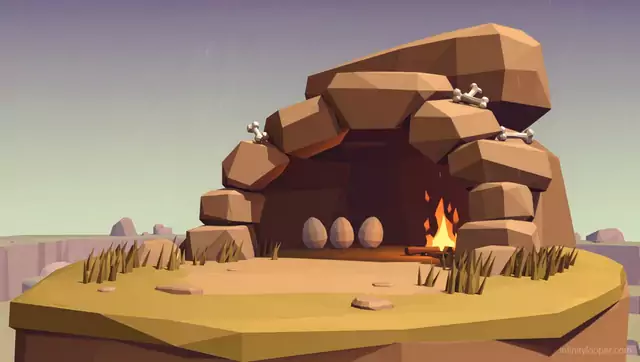
Low poly boulder cave with eggs and a campfire, animated loop
1080p Full HD · 10 s. Unlocks with one sponsored offer or your email.
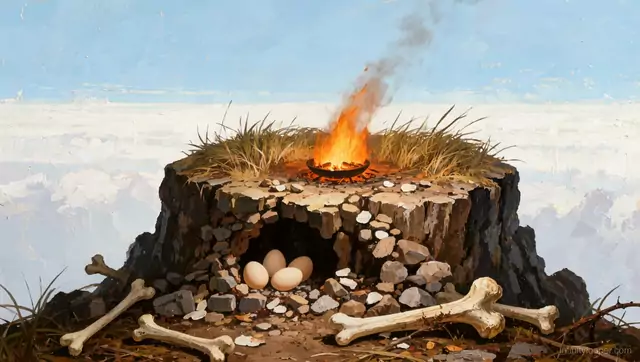
Fire bowl on a rock peak above the clouds, animated background
1080p Full HD · 10 s. Unlocks with one sponsored offer or your email.
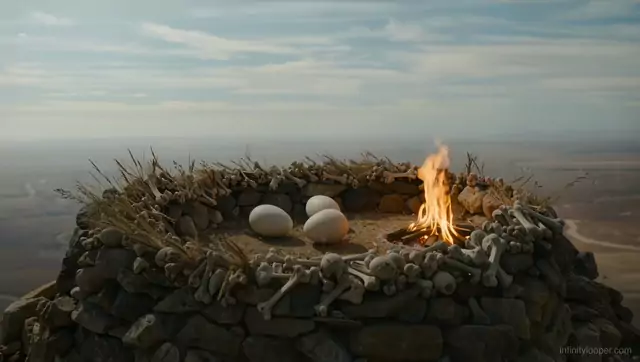
Bone-ringed stone nest on a mountaintop with a fire, video loop
1080p Full HD · 10 s. Unlocks with one sponsored offer or your email.
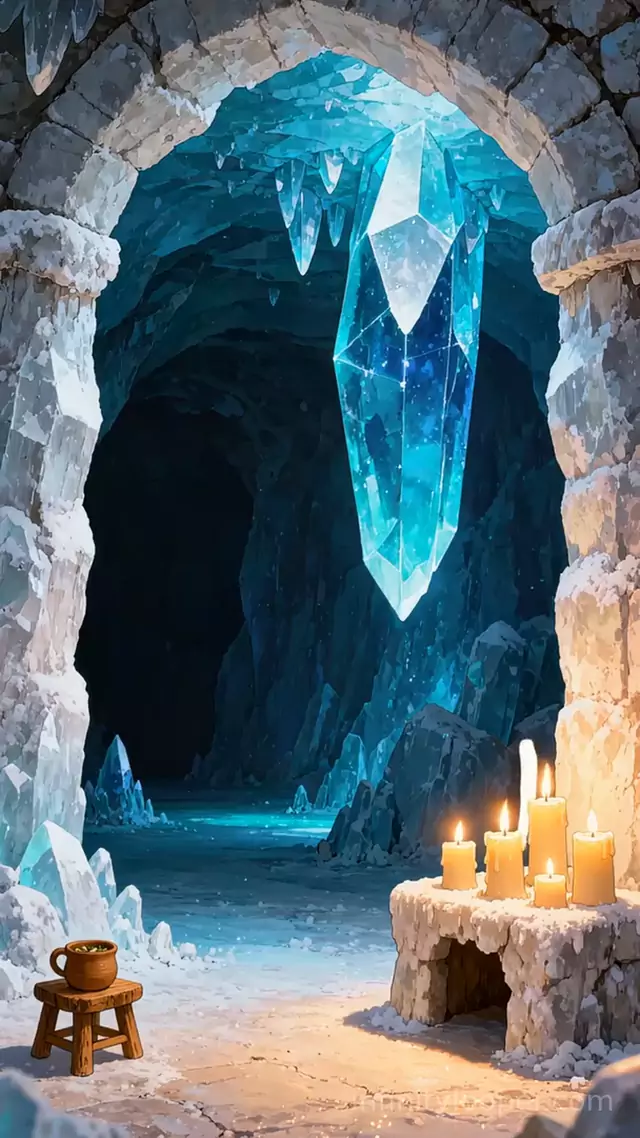
Vertical ice crystal cave with candlelight, animated loop
1080p Full HD · 10 s. Unlocks with one sponsored offer or your email.
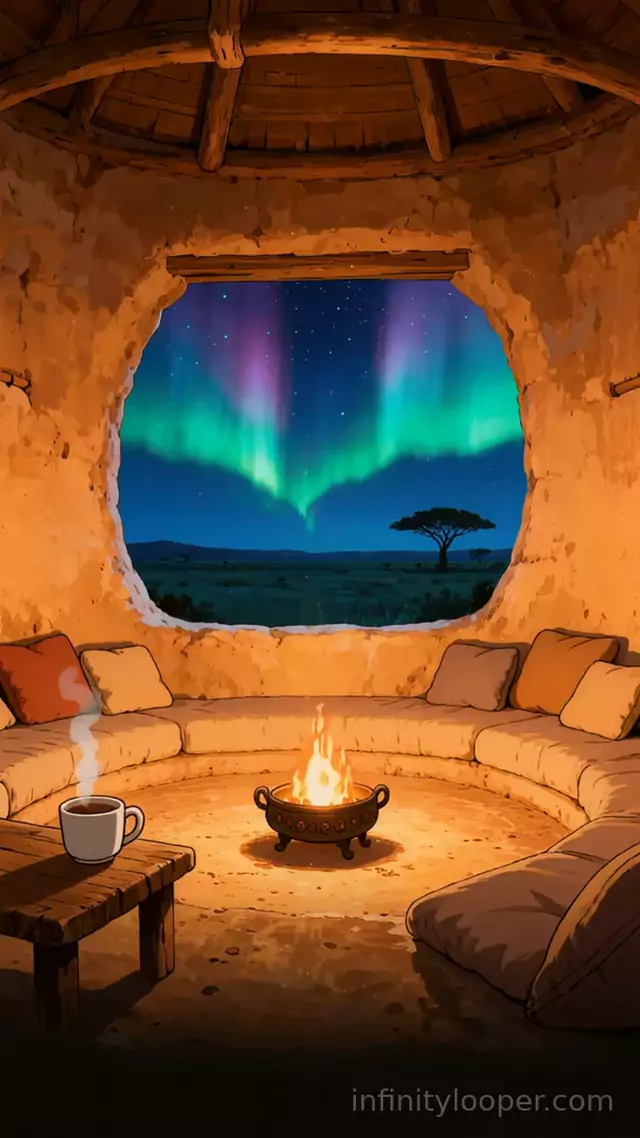
Clay hut fire pot under savanna northern lights, vertical loop
1080p Full HD · 5 s. Unlocks with one sponsored offer or your email.
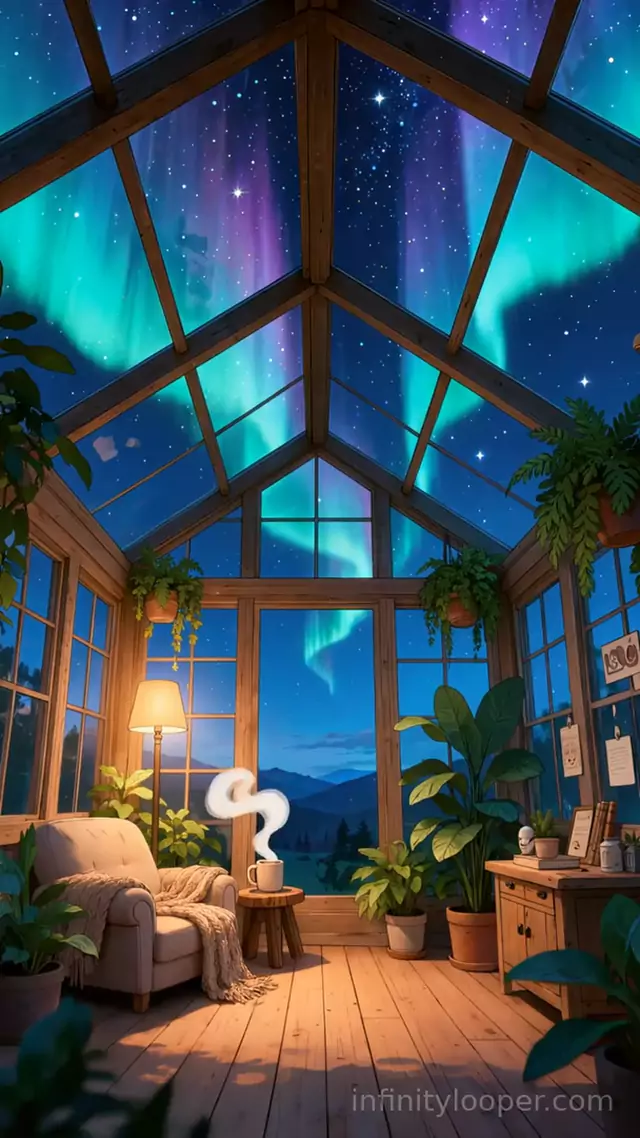
Aurora over a glass greenhouse reading nook, vertical background
1080p Full HD · 10 s. Unlocks with one sponsored offer or your email.
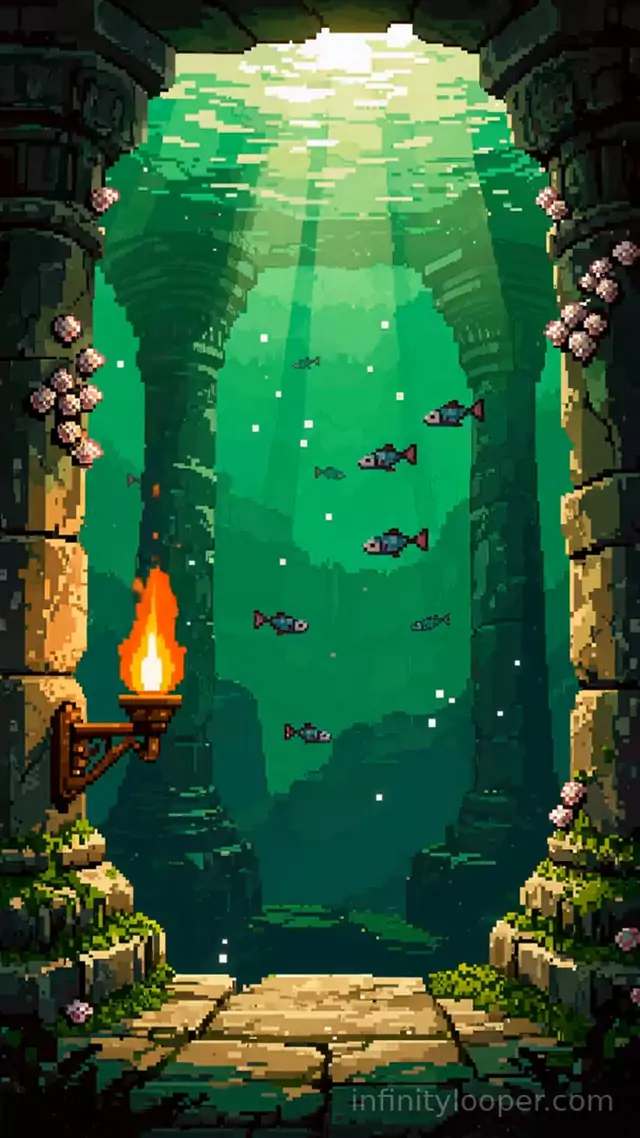
Pixel art sunken temple with a torch, vertical animated background
1080p Full HD · 10 s. Unlocks with one sponsored offer or your email.
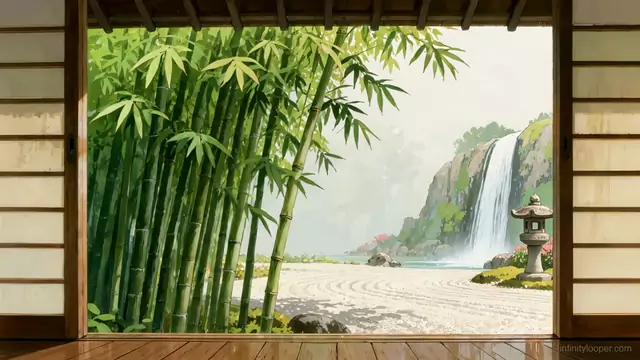
Zen garden waterfall seen through open sliding doors, video loop
1080p Full HD · 10 s. Unlocks with one sponsored offer or your email.
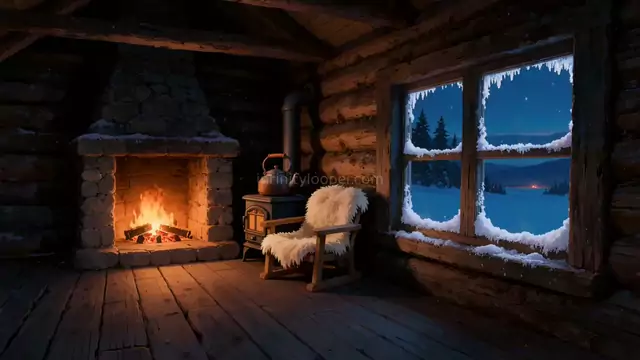
Winter log cabin with a fireplace and frosted window, video loop
1080p Full HD · 5 s. Unlocks with one sponsored offer or your email.
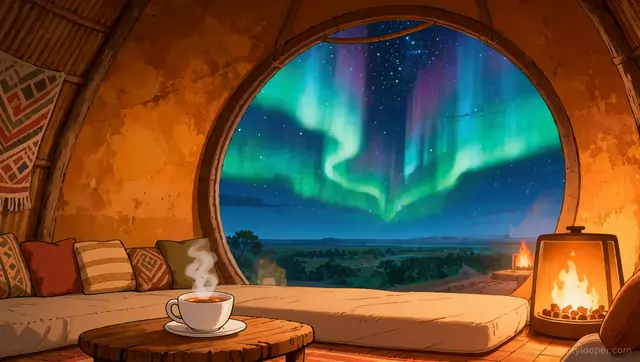
Savanna lodge with steaming tea under the aurora, animated loop
1080p Full HD · 5 s. Unlocks with one sponsored offer or your email.
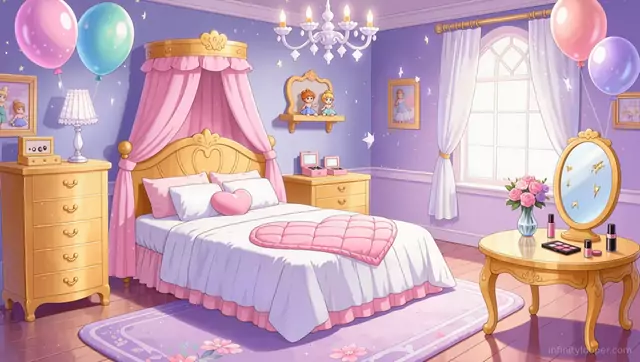
Pastel princess bedroom with balloons and a canopy bed, animated loop
1080p Full HD · 5 s. Unlocks with one sponsored offer or your email.
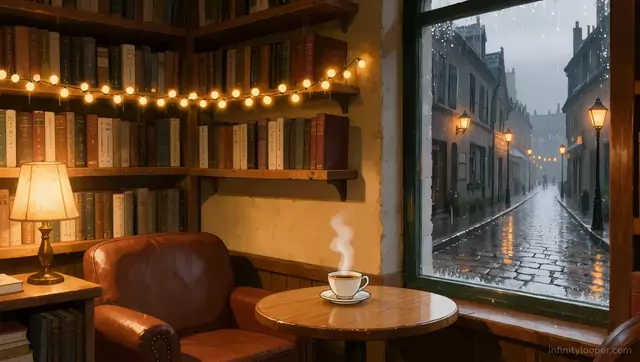
Book cafe corner with a view of a rainy cobbled street, loop
1080p Full HD · 5 s. Unlocks with one sponsored offer or your email.
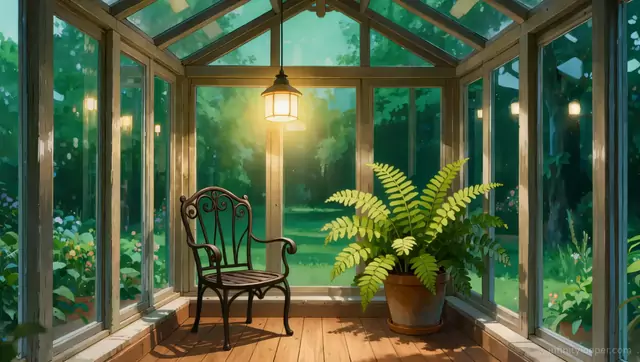
Green garden sunroom with a fern and iron chair, animated background
1080p Full HD · 5 s. Unlocks with one sponsored offer or your email.
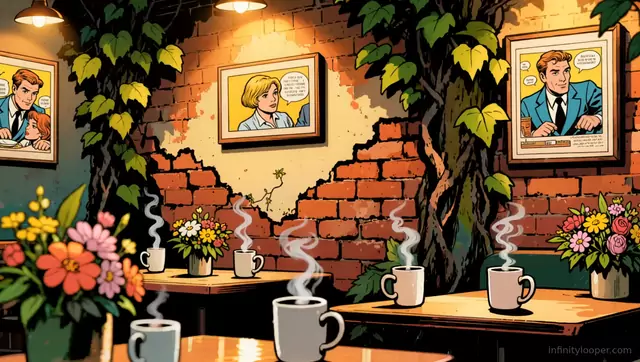
Comic book cafe with steaming mugs, ivy and pop art frames
1080p Full HD · 5 s. Unlocks with one sponsored offer or your email.
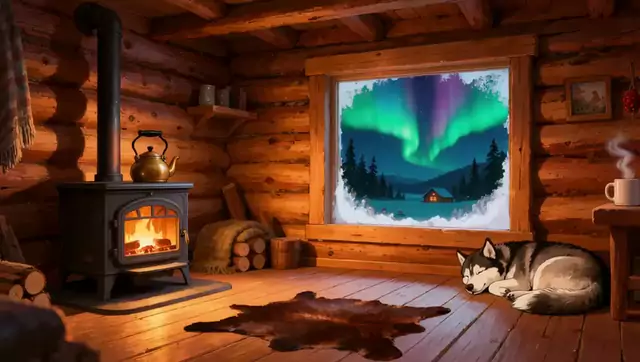
Log cabin aurora night with a husky asleep by the wood stove
1080p Full HD · 5 s. Unlocks with one sponsored offer or your email.
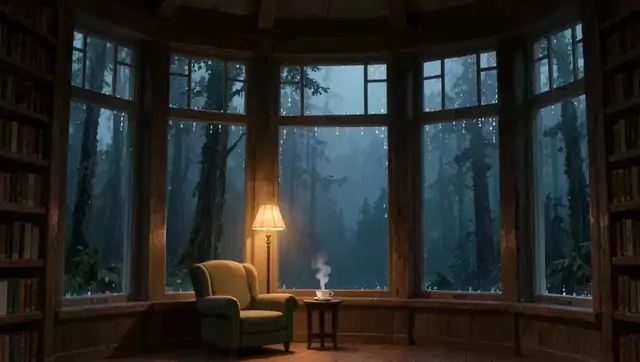
Rainy forest bay window with an armchair and lamp, animated loop
1080p Full HD · 5 s. Unlocks with one sponsored offer or your email.


Choosing and using them
Landscape or vertical
16:9 landscape clips fit stream layouts, monitors and TVs. 9:16 vertical clips fit phone wallpapers, Shorts, Reels and TikTok, and vertical stream canvases.
Short loops, long sessions
Most clips are 5 or 10 seconds. That keeps files small and makes them easy to load in OBS, Wallpaper Engine or a TV media player, set to repeat.
Setting them up
The guides cover OBS Studio and Streamlabs, Wallpaper Engine, Windows desktops, Zoom calls and phone wallpapers step by step. Start from the setup guides list on this page.
Questions
- What format are the files?
- MP4 video with H.264 encoding, which plays in OBS, Streamlabs, Wallpaper Engine, Lively Wallpaper, Zoom, most TVs and every modern browser.
- Why are the clips so short?
- Short loops repeat cleanly and load quickly. A 5-second clip with matching first and last frames looks the same as a long one once it is set to repeat.
- How do I unlock a loop?
- Open the product page, play the preview, then complete one sponsored offer or enter your email. Many pages also have a watermarked 720p copy with no unlock.
- Can I use these on a monetised YouTube or Twitch channel?
- Yes. Use them in your own videos and streams, including monetised channels. Do not resell or redistribute the raw MP4. See the YouTube ambience guide and the licence on the terms page.
- Where do I start if I stream in OBS?
- Pick a landscape loop from this collection, unlock the file, then follow the OBS Studio guide: Media Source, Loop ticked, source at the bottom of the list.