Free Wallpaper Engine loops and how to add a video wallpaper
Browse Wallpaper Engine backgroundsUpdated
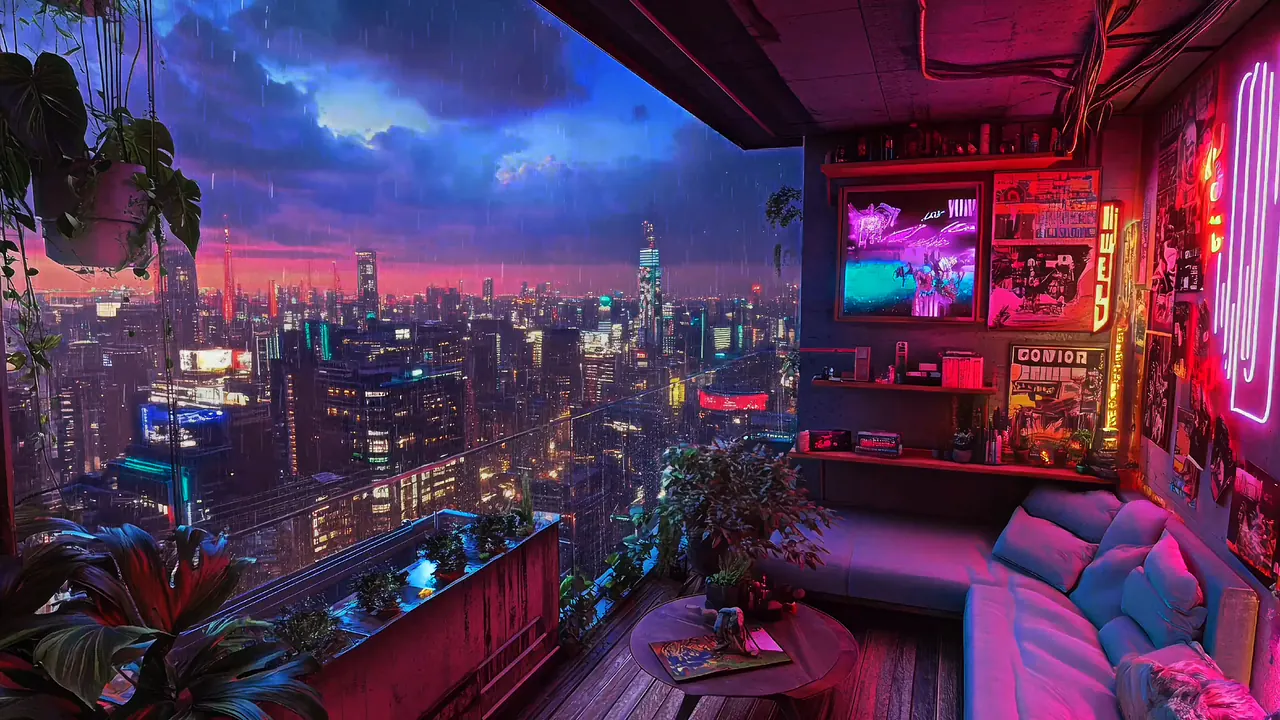
What is Wallpaper Engine and how does it handle video wallpapers?
Wallpaper Engine is a paid Steam application that plays video, scene, and web-based wallpapers on your Windows desktop. For a video loop, it simply plays the MP4 file on repeat behind your icons, with playback performance depending on your device, video and settings.
Where can you find an MP4 wallpaper?
Browse the Wallpaper Engine collection above, or choose a scene from the examples below. Each page has a public preview, file details and the applicable licence. The MP4 download is free after Google sign-in; signing in adds you to the new-loops email and you can unsubscribe. The preview is not the full-resolution download.
For example, compare the snowy mountain aurora with the log cabin fireplace; both are landscape 1080p MP4s. Choose the scene you prefer, then keep the downloaded file on your PC.
How do you add an MP4 to Wallpaper Engine?
- Save the downloaded MP4 in a folder you plan to keep.
- Open Wallpaper Engine. In the lower-left menu, choose Open Wallpaper, then Open offline wallpaper. Some versions add "animated" to that label.
- Select the MP4. Choose its thumbnail in your library to apply it to the selected monitor.
- Check the fit on each monitor before leaving the wallpaper running.
This is a local import of an MP4 you already have. Wallpaper Engine scene wallpapers are not generally exportable as video; see its export guidance. Keep the MP4 available at its saved location. Our licence allows personal wallpaper use but does not allow uploading the raw file to Steam Workshop or sharing it as a wallpaper pack.
How do you adjust playback and performance settings?
Start with a 1080p clip on a 1080p monitor. A 4K file has more pixels to decode even when you display it on a smaller screen.
In Settings, open Performance and choose to pause or stop wallpaper playback while another application is fullscreen. Test with your usual game or video call so the setting suits how you use the PC.
Video wallpaper playback depends on the encoded file and the Windows video decoder. If a clip stutters, try a smaller source file and check Wallpaper Engine's video performance guide. An FPS slider does not add missing frames to the original video.
Can you use different wallpapers on separate monitors?
Yes. Wallpaper Engine supports independent wallpapers per screen.
- Right-click any wallpaper thumbnail in your library.
- Choose Apply to monitor and pick the specific screen from the list, instead of Apply to all monitors.
- Repeat for each display with a different loop.
If one monitor is in portrait orientation, a vertical 9:16 loop will fit it better than a landscape file, so match the clip's orientation to the screen rather than relying on the app to crop it.
What if you don't have Wallpaper Engine?
Wallpaper Engine is a separate paid application, so it's not required to use an animated background on Windows. If you'd rather not install it, see our Windows desktop guide for ways to loop a video wallpaper using a separate player. Windows does not natively play an MP4 as the desktop wallpaper.
Choosing a loop
Browse by theme if you want something specific for the season or your mood: rain, fireplace, lofi study, night sky, snow, and forest are all available, or see the full animated backgrounds collection. If you also stream or take video calls, our guides for OBS Studio and Zoom video backgrounds cover the same loops in those settings, and the phone wallpaper guide explains which moving wallpaper options work on mobile.
Frequently asked questions
Does Wallpaper Engine cost money?
Yes, it's a paid application sold through Steam. It's a separate purchase from any wallpaper files you use with it.
Why does my video wallpaper look blurry or stretched?
This usually happens when the clip's resolution or aspect ratio doesn't match your monitor. Use a landscape file for a standard widescreen monitor and a vertical 9:16 file for a portrait-oriented screen.
Will a video wallpaper drain my laptop battery faster?
Playing any video wallpaper continuously uses more power than a static image. Turning on "pause when another application is fullscreen or maximised" in Wallpaper Engine's performance settings limits this to only when you're actually looking at the desktop.
Can I loop a video wallpaper without Wallpaper Engine?
Yes. Windows doesn't support video wallpapers natively, but several free third-party players can loop an MP4 on the desktop; see the Windows desktop guide for the general approach.
More looping scenes are on our free live wallpapers page.
Official instructions
Wallpaper Engine has a video wallpaper reference and support guidance for local files. Its desktop application is for Windows, with no native macOS or Linux version.
Free loops for this setup
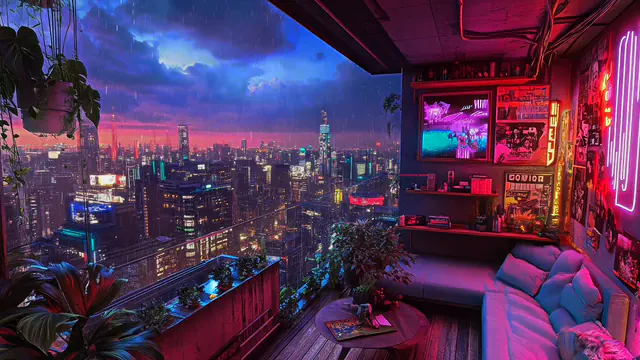
Rainy neon city balcony loop for TV screensaver
HD, 41 s loop
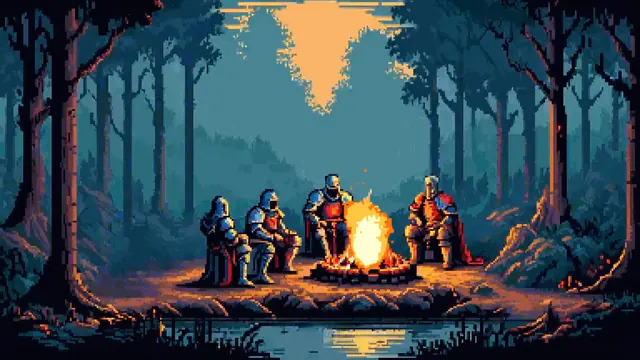
Pixel art knights by campfire loop
HD, 2 min 24 s loop

Pink blossom garden path loop for Twitch
HD, 2 min 30 s loop
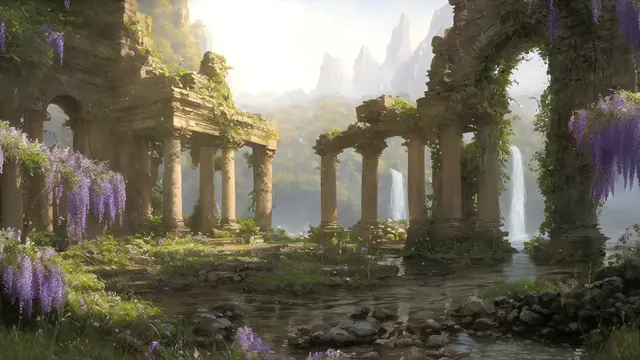
Wisteria ruins waterfall loop for OBS
HD, 1 min 16 s loop
Show 8 more loopsShow fewer loops
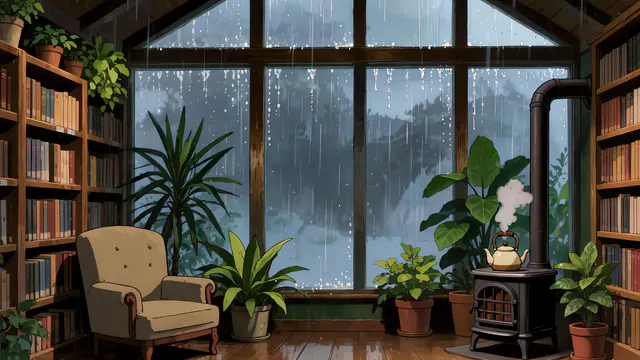
Rainy reading nook with plants and wood stove
4K, 5 s loop
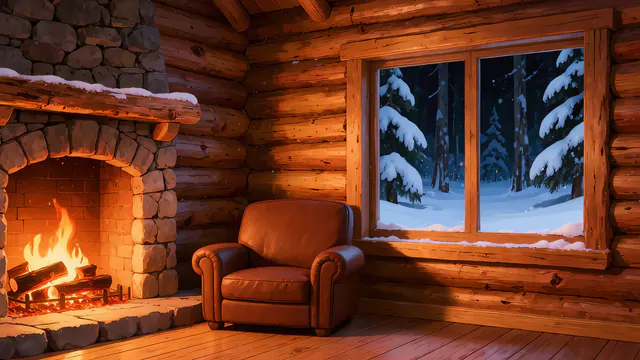
Cabin fireplace beside a snowy window loop
4K, 5 s loop
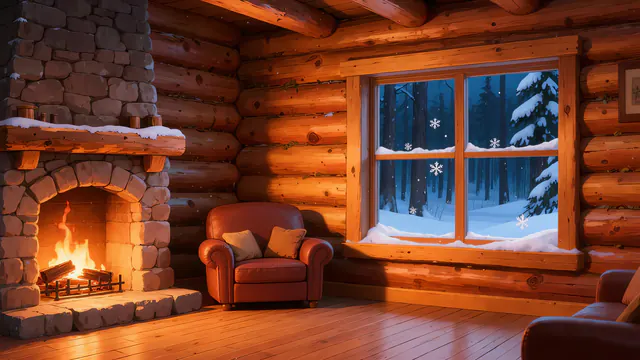
Winter cabin fireplace with falling snowflakes
4K, 5 s loop
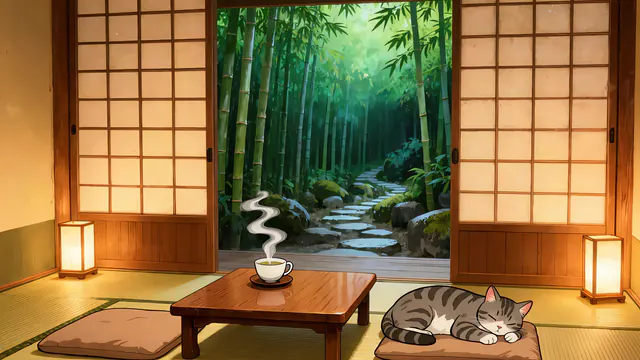
Japanese tatami room with sleeping cat loop
4K, 5 s loop
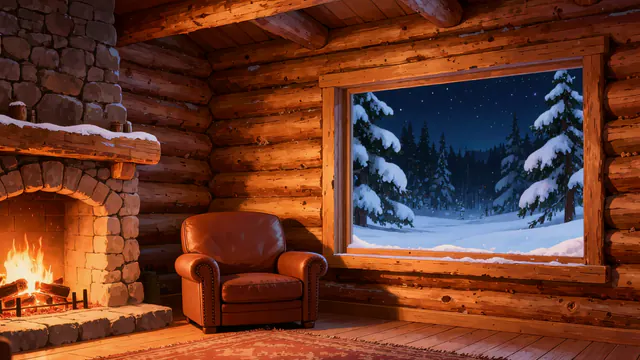
Log cabin fireplace loop for virtual meetings
HD, 5 s loop
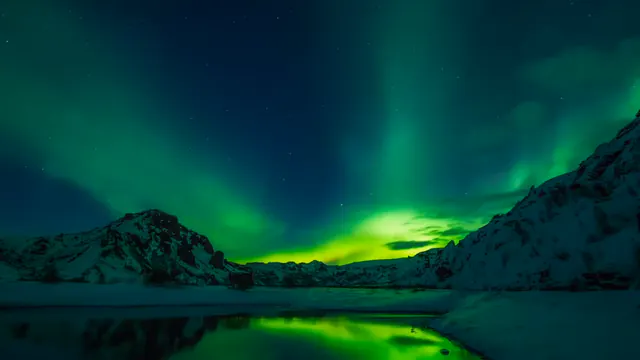
Green aurora over snowy mountains wallpaper
HD, 30 s loop
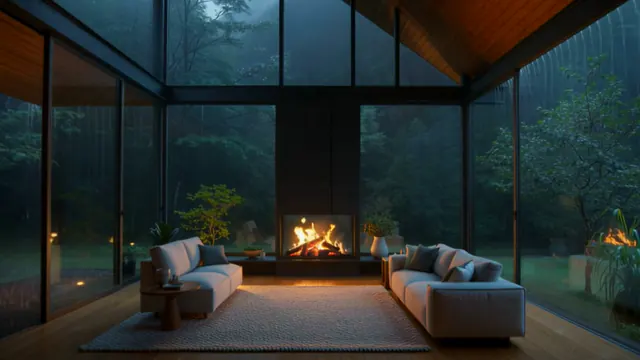
Glass forest lounge with sloping wood roof loop
HD, 30 s loop
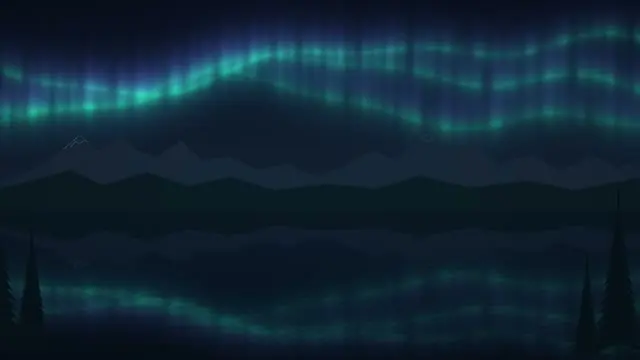
Green aurora reflected in a mountain lake
HD, 12 s loop